Electrum has been around since 2011 and as a result, many long-time Bitcoin holders now find that Electrum rejects the seed phrase they wrote down years ago. But it's not just human error that accounts for these invalid seeds. The Electrum Wallet's recovery phrase has a few unique features, which may explain why users sometimes struggle to regain access to their Electrum Wallet.
Thankfully, all hope isn't lost if you're dealing with a dreaded "invalid Electrum seed." This article explains why Electrum rejects seeds, how to diagnose the cause, and how to fix it. If you're looking for the general restore walkthrough instead, see our Electrum wallet recovery guide — and if nothing works, our Electrum wallet recovery service can diagnose and overcome your Electrum Wallet woes.
Why Electrum Seeds Are Different From BIP39 Seed Phrases
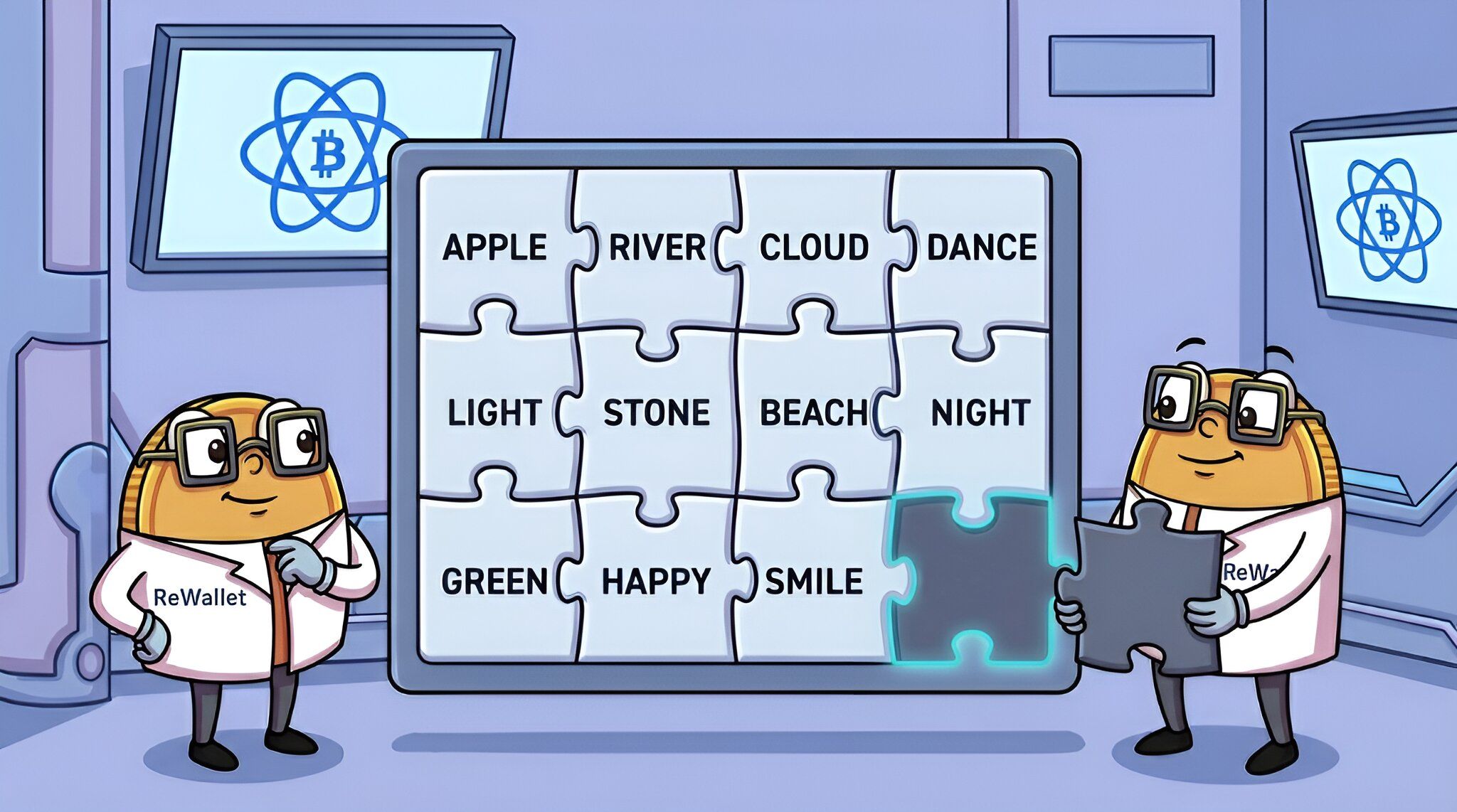
Also called a “mnemonic phrase” or “recovery phrase”, the Electrum seed phrase is a list of random English words (12, 13, 24 or 25, depending on the seed type and Electrum version used to create the seed phrase) that can derive all private keys and addresses in each user’s Electrum Wallet. So, after you enter these seed words during the Electrum Wallet recovery process, it should restore your Electrum Wallet, complete with any Bitcoins you have.
Electrum launched in 2011, about two years before BIP39 became the common standard for seed phrases. Versions before Electrum 2.0 (released in 2015) therefore used their own list of 1,626 words and seeds from that era still look different today. Since version 2.0, Electrum takes its words from the same 2,048-word list as BIP39. But an Electrum seed is still not a BIP39 seed: the two systems check and process the words differently, so one can't be restored as the other.
The difference lies in how a seed is validated. A BIP39 seed contains a checksum. The Electrum developers criticize this design because it permanently ties every seed to one fixed wordlist and says nothing about which wallet type the seed belongs to. Electrum uses a version number instead. When Electrum creates a seed, it keeps generating candidates until the seed's hash starts with a specific prefix that marks the wallet type: standard, segwit or two-factor (2FA). When you restore, Electrum checks for this prefix. If it finds one, it shows the seed type and knows which addresses to derive. If it doesn't, the seed counts as invalid. Seeds from before 2.0 work differently: they have no prefix and no checksum at all. Electrum accepts any 12 or 24 words from its old wordlist and labels them "old", even if the words are in the wrong order.
This is why, with modern Electrum seeds, a single wrong, misspelled or misplaced word almost always makes Electrum reject the whole seed: any change alters the hash, and it's very unlikely the changed seed still starts with a valid prefix. It's also why a perfectly good seed from another wallet is usually rejected. BIP39 seeds were never created to match Electrum's prefixes. Old pre-2.0 seeds are the exception: because they have no checksum, a wrong order or a wrong word from the old list is accepted without complaint and simply opens a different, empty wallet.
How Electrum Tells You a Seed Is Invalid
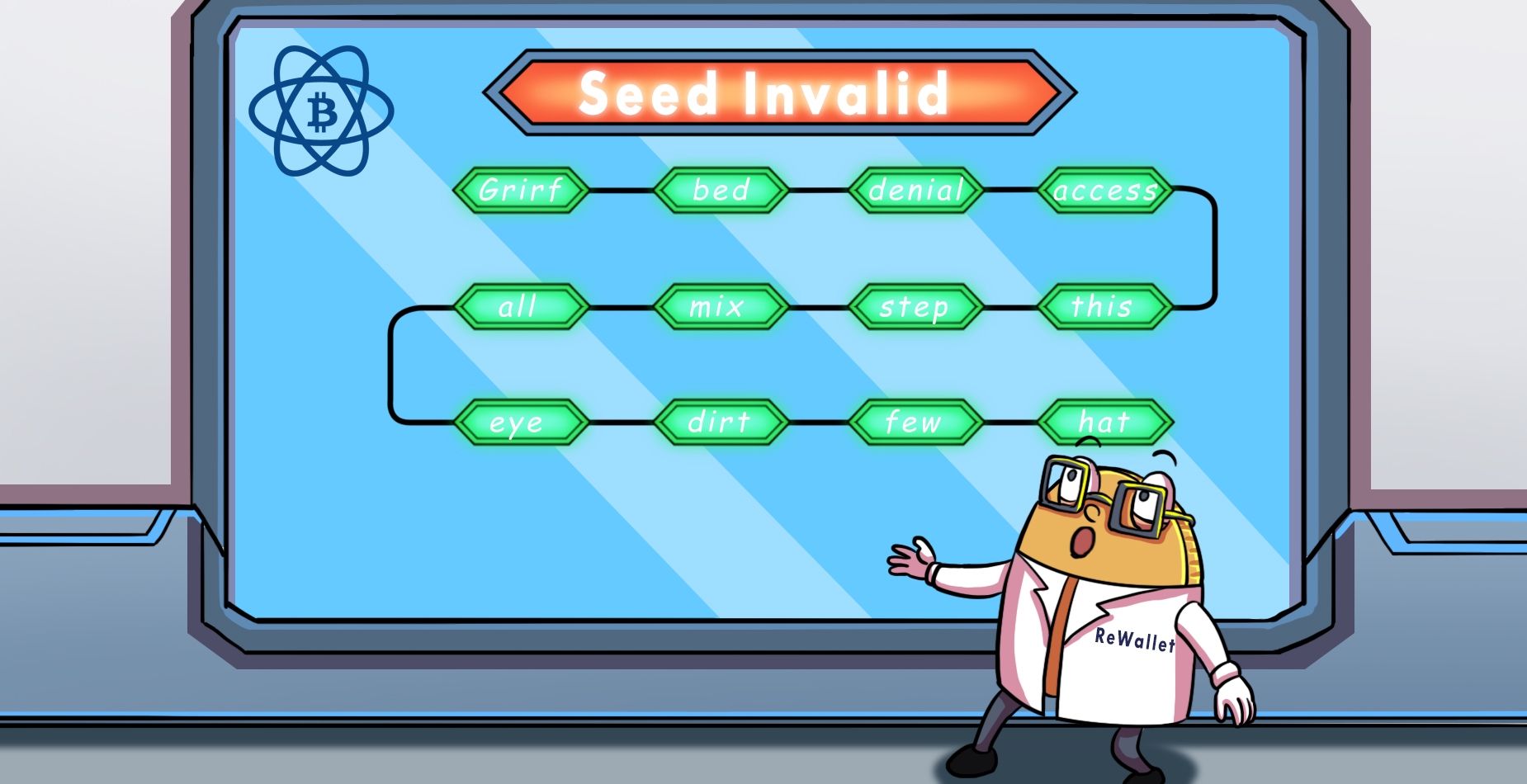
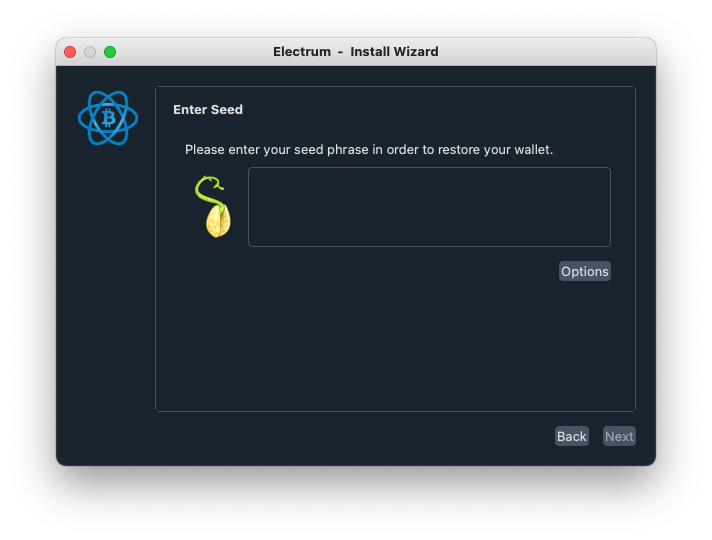
Electrum doesn't always show a clear error message. When you enter a seed during a restore, watch for these signals:
- The "Next" button stays greyed out — Electrum doesn't recognize what you typed as a valid seed of any supported type.
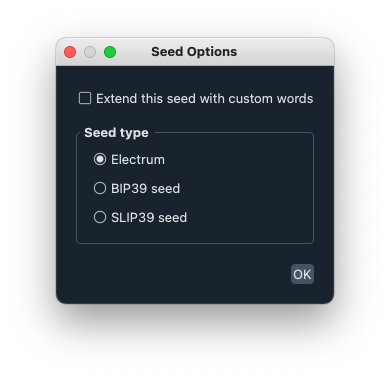
- "BIP39 (checksum: failed)" — this only appears if you switched on BIP39 under Options, and means the words don't form a valid BIP39 seed either.
- A seed-type label appears: standard, segwit, 2fa, 2fa_segwit or old. This means Electrum accepts your seed as valid. With "old" seeds, this only means all words are on the old wordlist, not that they're in the right order. If the restored wallet then shows an empty balance, your problem most likely isn't an invalid seed but a missing custom word extension or, rarely, a typo that happens to pass (see below).
- The seed type doesn't match your wallet. For example, Electrum shows "standard" but your addresses started with bc1. In this case you most likely have a typo that happened to pass Electrum's check. The odds of this are slim, roughly 1 in 200.
If you're seeing one of the first two or the last signal, work through the causes below. For the full restore procedure itself, follow our Electrum wallet recovery guide.
Common Reasons for Electrum Invalid Seed Phrases
If Electrum still rejects your seed, consider a few of the most common causes:
Electrum Seed Phrase Misspellings or Missing Words
Some early Bitcoin adopters have issues locating a copy of the seed phrase they used when creating their Electrum Wallet. Even if people have a copy of their Electrum recovery phrase, there’s a chance it has smudges, missing words, or misspellings causing an Electrum invalid seed.
To fix this: compare each word with the wordlist (the right one for the seed's era) and use Electrum's autocomplete.
Warning: With old pre-2.0 seeds, a misspelling only causes an error if the result isn't on the old wordlist. A wrong word that is on the list is accepted and opens a different, empty wallet.
Wrong Electrum Seed Phrase Word Order
Having all the words of your Electrum seed phrase isn't enough! They also need to be in the correct order to re-access your wallet. With a modern Electrum seed (version 2.0 and later), even one word out of place almost always makes the seed invalid, and the "Next" button stays greyed out. Old pre-2.0 seeds behave differently: Electrum accepts them in any order and labels them "old", but the wrong order opens a different, empty wallet. Either way, there is no easy fix you can do yourself: 12 words can be arranged in 479 million possible orders. For old seeds, every one of these orders is "valid", so the only way to find the right one is to check each against your known addresses. This is a case for professional tooling and a specialized wallet recovery service.

Struggling to recover your Electrum wallet?
ReWallet offers specialized Electrum wallet recovery services to help you regain access to your Bitcoin.
Recover your Electrum walletUsing BIP39 Seed Phrase From A Non-Electrum Wallet
It's possible you might be using a seed phrase from a wallet that's not compatible with Electrum. Remember: Electrum checks seed phrases by their version prefix, not the BIP39 checksum, so a valid seed from a BIP39 wallet will almost always be rejected. To restore it anyway, click "Options" in the seed window and select BIP39. Our Electrum wallet recovery guide walks you through the steps.
Using the Wrong Wallet Type
Electrum uses a different restore workflow for standard seeds, 2FA seeds, multisig wallets and BIP39/SLIP39 seeds. If you enter a standard seed in the 2FA restore window or vice versa, the seed may be rejected or restore the wrong wallet. For details on each recovery method and the correct way to restore it, see our step-by-step guide for Electrum wallet recovery.
How to Check Whether Your Seed Is Actually an Electrum Seed
Before assuming your seed is invalid, verify it belongs to an Electrum wallet at all — this is one of the most common causes of "invalid seed" reports:
- Count the words. Modern Electrum seeds are 12 words. If you have 13, check when the wallet was created: Electrum 2.0–2.6 (2015 to autumn 2016) generated 13-word seeds, while in later wallets a 13th word is most likely a custom word extension written down with the seed. 24 words can be an old pre-2.0 seed or a 2FA seed created before Electrum 2.7 (these are usually 24 or 25 words long). Any other length most likely belongs to a different wallet.
- Check the words against the BIP39 wordlist or the old pre-2.0 Electrum list of 1,626 words. Modern Electrum seeds (version 2.0 and later) use the same 2,048 words as the BIP39 standard, so matching words don't prove anything either way. But if some of your words are not on the BIP39 list, you are most likely holding a legacy Electrum seed from before 2015.
- Think back to which wallets you used around the time the seed was written down. A seed sheet from 2016 could belong to Electrum or to a hardware wallet, MultiBit, or any other wallet.
- Let Electrum test it. Enter the words during a restore: if Electrum shows a seed type (standard, segwit or old), it's an Electrum seed. If it stays invalid, use the "Options" button and try it as a BIP39 seed — if it validates there, your seed belongs to a BIP39 wallet (Ledger, Trezor, and most others) and should be restored with that standard or in the original wallet.
If none of these checks resolve it, note down everything you know about the seed's origin — that information is exactly what makes a professional assessment productive.
Still Having Issues With An Invalid Electrum Seed? Reach Out To ReWallet!
If you can't figure out why you're having issues with your Electrum seed, contact the crypto wallet recovery experts at ReWallet via our Electrum wallet recovery service. Even if you only have partial information on your seed phrase, our experts can look into your specific Electrum issue and figure out the best possible way to restore your Bitcoin. The evaluation of your case is free, and we work on a success-fee basis — no recovery, no cost.