
Trezor Wallet Recovery
Find out how ReWallet can help you regain access to your Trezor wallet.

Trusted by:


Trezor Wallet Recovery: Quick answers
If you are searching for "Trezor Wallet Recovery" you are likely trying to understand what options remain if your seed phrase is not working, your optional passphrase has been forgotten, your PIN is no longer accessible or your Shamir backup does not restore your wallet correctly. This section answers the most important questions upfront so you can quickly assess your situation and understand what next steps are realistic before making any uninformed attempts that could lock you out of your Trezor wallet for good.
Can I recover my Trezor wallet without the seed phrase?
It depends on the situation. The seed phrase is the primary means of recovering your Trezor wallet and without it the standard recovery process cannot be completed. If part of your seed phrase is missing or unreadable the seed may still be recoverable depending on how many BIP39 words are still available. If the seed phrase is entirely missing the only possible course of action is a hardware-based recovery - a highly complex process that involves extracting the seed phrase directly from the Trezor device itself.
My Trezor seed phrase is not working and showing "Please Try Again. Invalid wallet backup entered." — what does this mean?
The "Please Try Again. Invalid wallet backup entered." or "Invalid Recovery Seed" error means the words entered do not pass the mandatory BIP39 checksum validation. While this can sometimes simply be caused by misspelling or incorrect word order, it is not always a straightforward fix. In some cases the seed phrase was written down incorrectly at the time of setup, words are missing or the backup card has been damaged. Before making further attempts it is worth carefully cross-referencing every word against the official BIP39 wordlist or SLIP39 wordlist for shamir seeds. However, if the error persists repeated guessing is unlikely to succeed. An expert assessment from a professional wallet recovery service can help systematically identify where the issue lies and what options remain.
I forgot my Trezor optional passphrase and my wallet is showing an empty balance — is recovery still possible?
In many cases yes, but it depends. The minimum requirement is that the correct seed phrase associated with the optional passphrase is still available. If the seed phrase is correct and the wallet is still showing an empty balance after entering what appears to be the correct passphrase, the most likely cause is that the optional passphrase entered is wrong. The Trezor passphrase creates a completely separate hidden wallet on top of the seed phrase, which results in an entirely different wallet with even just a single incorrect, missing or additional character. Whether recovery is feasible depends entirely on the complexity of the passphrase and the accuracy of any information still available about it.
My Trezor was wiped after too many wrong PIN attempts — what now?
A device wipe does not have to mean your funds are lost. The Trezor is designed to wipe itself after repeated incorrect PIN attempts, but the funds remain on the blockchain. If the seed phrase is still available the wallet can be fully restored by going through the standard recovery process. If the seed phrase is no longer available or does not restore the wallet correctly, the situation requires a more careful assessment as the path to recovery depends on what information is still accessible.
Recovery do's and don'ts
What not to do
These actions commonly reduce the chances of recovering your Trezor wallet.
- Don't keep entering incorrect PIN attempts — repeated wrong entries increase waiting times exponentially and will eventually trigger an automatic device reset, wiping all data and returning the Trezor to factory settings.
- Don't wipe or factory reset your Trezor device before confirming you have a valid and complete seed phrase backup to restore from.
- Don't enter your seed phrase or optional passphrase on any website, app or tool outside of your official Trezor device or Trezor Suite.
- Don't update the firmware on your Trezor device if you are currently locked out or experiencing recovery issues, as updates can complicate the recovery process further.
- Don't upload your seed phrase, passphrase or Shamir shares to untrusted recovery tools or share them in forums or with unverified parties.
- Don't attempt to physically open or tamper with the Trezor device as this can permanently damage the hardware and eliminate any remaining recovery options.
What we typically need
The following data and background information will improve the quality of an initial assessment (and save you time).
- Device status: which Trezor model is being used, whether the device is still functional and whether a wipe has already occurred
- Event description: a clear summary of what happened — whether the seed phrase was lost, the passphrase forgotten, an error message is appearing or the balance is displaying incorrectly.
- Timeline: when the wallet was set up and the approximate period it was actively used.
- Seed phrase: whether the seed phrase is fully available, missing entirely or partially available, and how many words are still known.
- Optional passphrase: whether it was set up and any partial recollection, including approximate length, characters used or typical patterns relied upon.
- PIN information: whether the PIN is known and how many incorrect attempts have already been made.
- Shamir backup details: if used, how many shares were created, how many are still available, what threshold you choose and whether any shares contain errors or missing words.
ReWallet's Trezor Wallet Recovery Services
1
Trezor recovery seed not working or “Please Try Again. Invalid wallet backup entered.” error
The Trezor recovery seeds have different word counts depending on which model you use (12 words for the Trezor Model T, 24 words for the Trezor Model One or 20 words for the Trezor Safe 3/5/7). If you’re seeing the error message “Please Try Again. Invalid wallet backup entered.” or “Invalid recovery seed” upon restoring your Trezor, it implies that your seed does not match the mandatory BIP-39 checksum. This can be due to misspellings, incorrect word order, or using non-BIP39 recovery words. Even if your seed phrase is incomplete or only partially available, recovery may still be possible, no matter which Trezor device you have. ReWallet has the expertise and technology to help with Trezor seed recovery.
2
Lost Trezor optional passphrase
The Trezor optional passphrase (aka the “13th or 25th word” or "hidden wallet") adds an extra and essential step to wallet recovery. If you used this feature and lost or forgot your optional Trezor passphrase, contact ReWallet for professional assistance.
3
Lost or forgotten Trezor PIN
Forgot your Trezor PIN? Too many consecutive wrong PIN entries will trigger an automatic device wipe. If your seed phrase is still available, access can be restored through the standard recovery process. If both the PIN and seed phrase are unavailable or your seed is only partially available, ReWallet can assess your situation and advise on the best path forward.
4
Can't transfer funds from Trezor
If you're having trouble sending your crypto from a Trezor account or see error messages such as “Discovery Error”, “Address Verification Error: Canceled” or “Transaction Signing Error / Missing Key”, you could have any number of software or hardware issues. Let ReWallet help you determine the root cause of the problem and recover your wallet.
5
Received Coins from Trezor via the wrong network
Sending cryptocurrencies on incompatible blockchains (e.g., Bitcoin to a Bitcoin Cash address) isn't always a death sentence for your coins. If you received crypto from the wrong network through your Trezor device, call ReWallet asap to see if we can recover your crypto.
6
Trezor Shamir backup not working
Struggling to recover your Trezor wallet using a Shamir backup? Shamir backups are available on the Trezor Model T, Safe 3, Safe 5 and Safe 7. Each individual share consists of either 20 or 33 words from the 1024 word SLIP39 list. If your shares are incomplete or contain errors and are unable to restore your Trezor correctly, contacting ReWallet is the best first step to solving your Shamir recovery issues.
7
Trezor MultiSig not working
Multi-signature addresses are a great additional security feature on Trezor devices, but you need the required multisig private keys to transfer crypto. If your multisig addresses aren't working, ReWallet has the experience to help recover your Trezor wallet.
How Our Service Works
Have you lost access to your Trezor wallet? Then you've come to the right place. We can help you recover access to your Trezor Model One, Trezor Model T or Trezor Safe 3/5/7 wallet.

Experience
Through our experience helping clients regain access to their Trezor wallets, we’ve dealt with all the issues described above before. Our team of wallet recovery experts can put this experience to work for your benefit.

State-of-the-art tools
Our team has advanced tools and techniques specifically designed for Trezor wallet recovery. Our hardware infrastructure meets the highest performance standards and ensures the security of your data. Whether you need help recovering your seed phrase, optional passphrase, or a Shamir backup share, we have the solutions for Trezor wallet recovery.

Success-based remuneration
We work for you on a success-based fee model, meaning we only get paid if we successfully recover access to your Trezor wallet.

Legal protection
Your interests will be protected through a legal agreement that forms the basis for working together and handling your data.
FAQ
Even if you lost the passphrase (aka the “13th or 25th word”) to your Trezor Model One, Model T or any Trezor Safe model, we can use our hardware and software tools to help with Trezor wallet recovery. But first, make a list of possible passwords you often used in the past and see if they work to get into your Trezor wallet. Be sure to cross off each password attempt so you don’t waste time with duplicates. If you’re still having issues getting into your Trezor hidden wallet, reach out to ReWallet for professional recovery services.
Even if you don’t have all the data on your seed phrase, Trezor wallet recovery is possible. We at ReWallet have already solved numerous problems with Trezor seed phrases, from invalid seeds to smudges or typos, and even the partial loss of Shamir backups. Be sure to secure whatever info you have on your seed phrases from your Trezor wallet.
You don’t need every Shamir share to recover a Trezor wallet, but what if you lost some of your Trezor wallet's Shamir backup information? Don't worry, even with some information lost, such as missing words within your Shamir shares, your wallet can still be salvaged. At ReWallet, we've developed specialized tools for Shamir share recovery. Don't let partial loss lead to total despair - reach out to our experts for Trezor wallet recovery services.
Yes, it's possible to recover a Trezor wallet on another hardware device like a Ledger Nano S or X. The Trezor Model One and Model T seed phrases follow the BIP39 standard, which means it's compatible with other wallets that use the 2,048 recovery words in the BIP39 standard. Since Ledger devices also use the BIP39 recovery standard, you can recover your Trezor on a Ledger device if you have the correct seed phrase.
An empty balance after recovery does not necessarily mean your funds are lost. There are a few possible causes worth working through before drawing any conclusions. The most common reason is a missing or incorrect optional passphrase. If a hidden wallet was set up at any point, the seed phrase alone will always open an empty standard wallet and the passphrase must be entered separately to access the hidden wallet where the funds are located. Another common cause is entering the wrong seed phrase during recovery, which generates a valid but different wallet with no associated funds. If you are unsure why your balance is not showing up after a recovery, a professional wallet recovery service can help you identify the underlying cause and assist in regaining access to your funds.
Recover Your Trezor Wallet
You’ve lost access to your Trezor wallet? Then you’re in the right place. Submit your inquiry in just a few steps.

Free evaluation of your situation
Success-based remuneration only
Service agreement for legal protection
Trezor Wallet Blog
Discover More: In-Depth Articles & Resources on Trezor Wallet Recovery

By Bruno Krauss
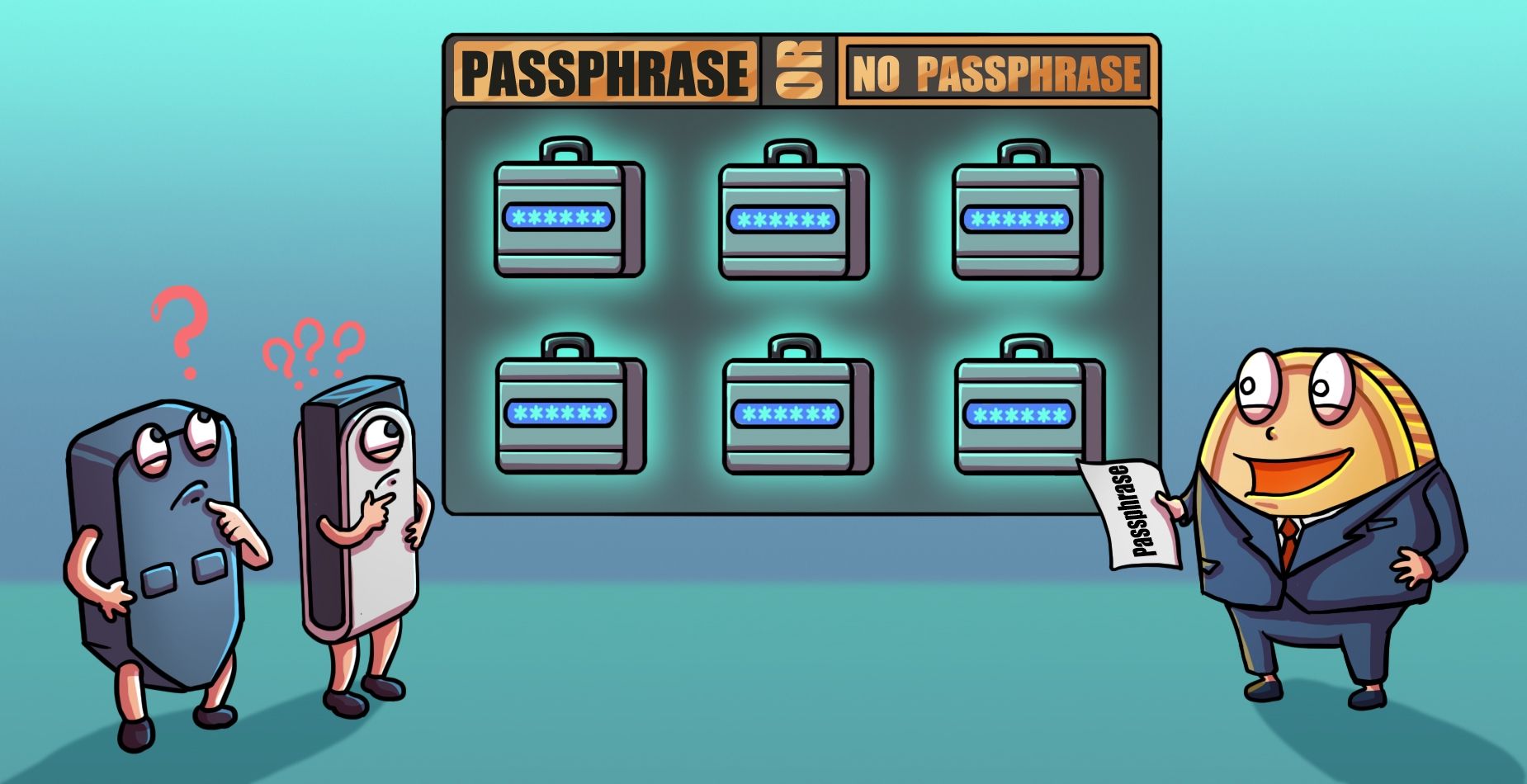
Trezor Lost Passphrase: What It Is and How to Recover It
By Bruno Krauss
Lost or Invalid Trezor Seed? How to Recover Your Wallet
By Bruno Krauss
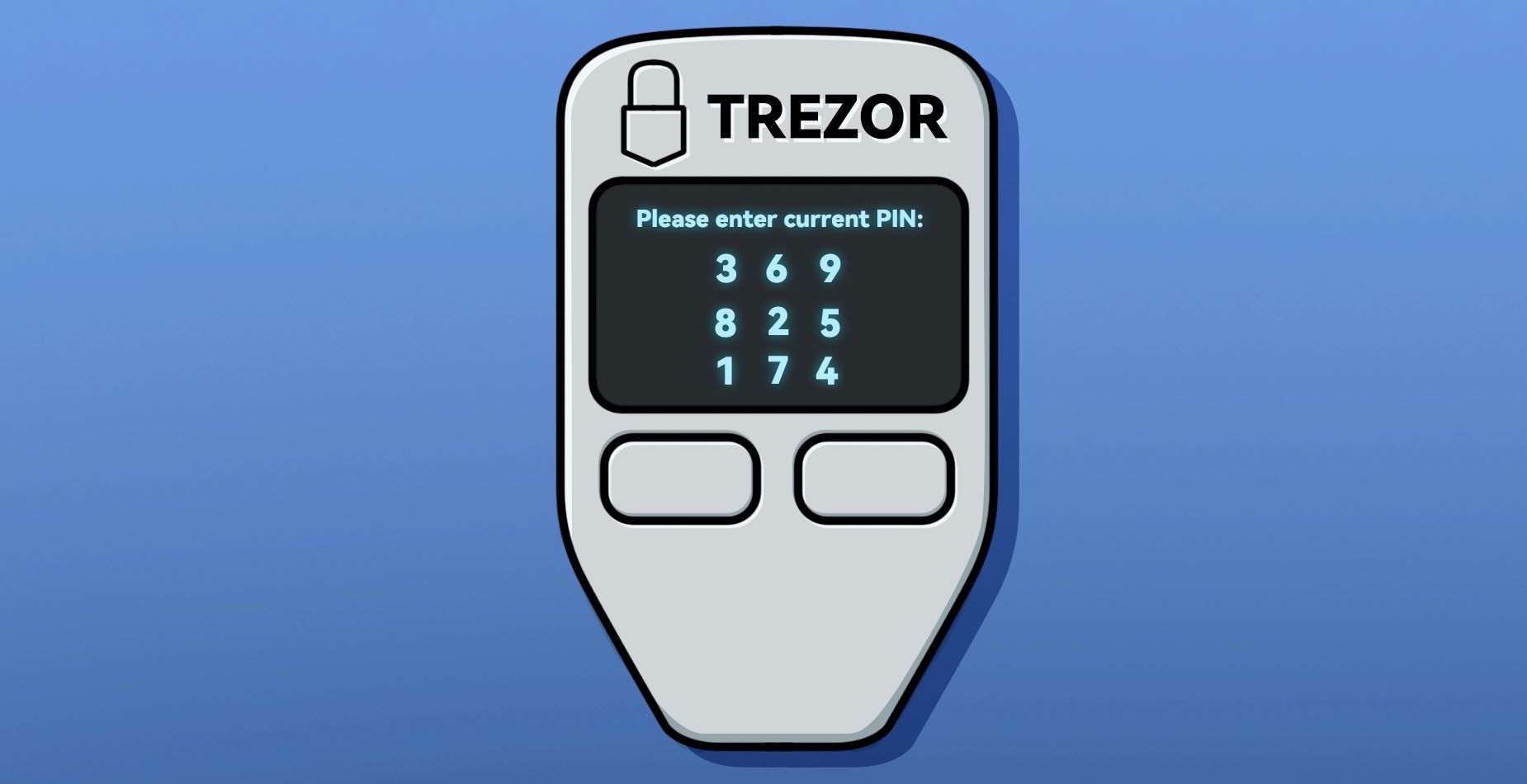
Recover Trezor PIN in 2025 - Trezor Wallet Recovery Guide

