ReWallet
  • About us
  • How does it work
  • FAQ
  • Walletsarrow
    • Bitcoin Core Wallet Recovery

      Bitcoin Core Wallet Recovery

    • Ethereum Presale Wallet Recovery

      Ethereum Presale Wallet Recovery

    • Ledger Wallet Recovery

      Ledger Wallet Recovery

    • Trezor Wallet Recovery

      Trezor Wallet Recovery

    • Blockchain Wallet Recovery

      Blockchain Wallet Recovery

    • KeepKey Wallet Recovery

      KeepKey Wallet Recovery

    • Electrum Wallet Recovery

      Electrum Wallet Recovery

    • MultiBit Wallet Recovery

      MultiBit Wallet Recovery

  • Blog

global EN

  • EN
  • DE
  • FR
Recover your wallet
ReWallet
  • Why ReWallet?
  • About us
  • How does it work?
  • FAQ
  • Blog
  • Privacy Policy
  • Imprint

© Copyright 2026 ReWallet AG

social iconsocial icon
home icon
Homepage
arrow icon
Blog
arrow icon

How to Recover a Dogecoin Core Wallet With Lost Password

Software Wallets

How to Recover a Dogecoin Core Wallet With Lost Password

Bruno Krauss

By Bruno Krauss

Published: 12/3/2021

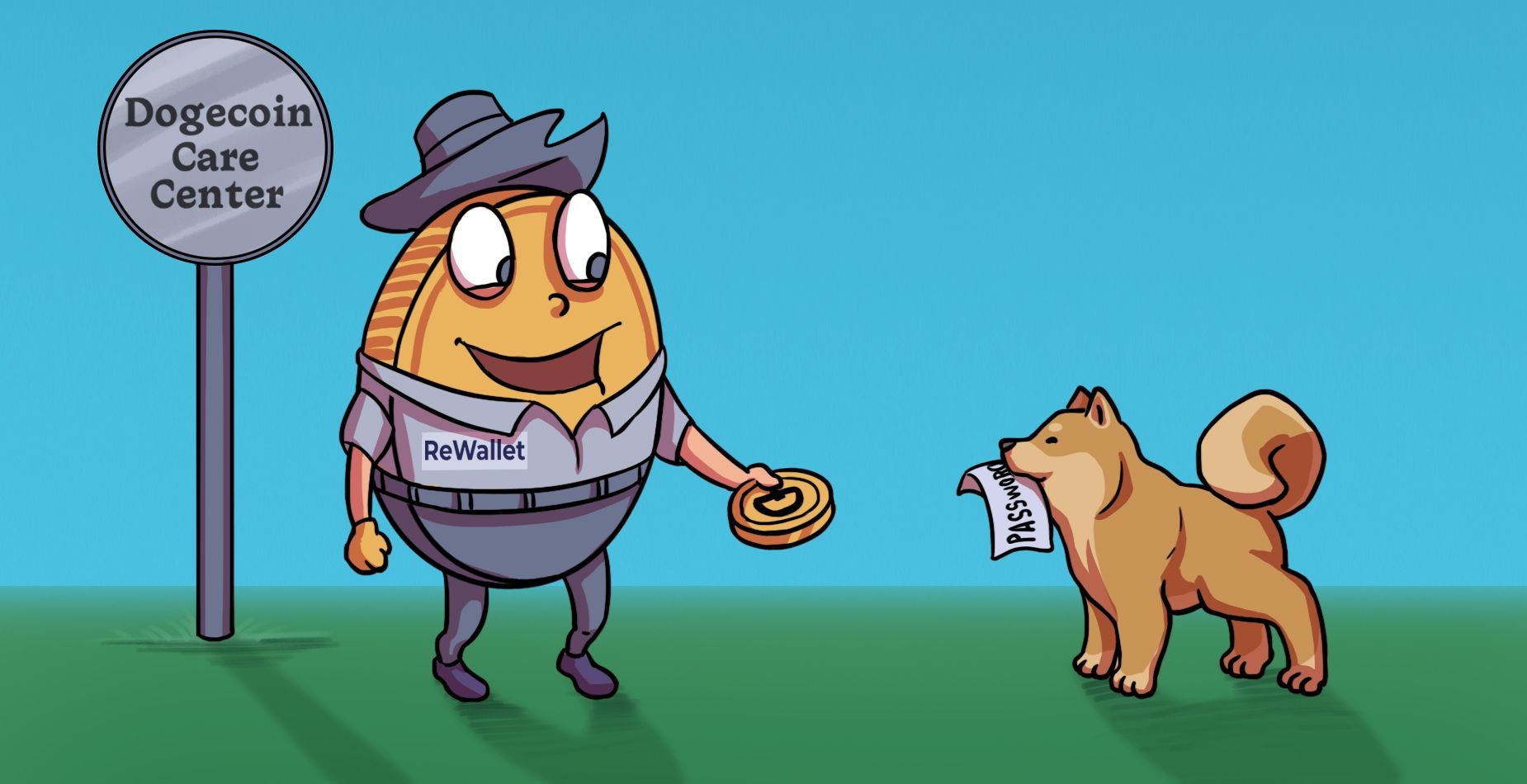
Shiba Inu holding a password note beside a ReWallet mascot at the Dogecoin Care Center.
Table of contents
  • How to Recover Dogecoin Wallet if You’ve Lost Your Password?
  • Frequently Asked Questions About Dogecoin Core Wallet Recovery

Dogecoin Core is the leading wallet for DOGE. When the cryptocurrency that revolves around the Shiba-Inu meme started, the reference software Dogecoin Core was the only available software for the desktop PC and notebook for a long time. Dogecoin is, at its core, a fork of Litecoin, and the latter was technically very much oriented towards Bitcoin when it was created. These three cryptocurrencies (DOGE, LTC and BTC) share considerable similarities in their core wallets. You can find out more about these in our other dedicated article on Bitcoin Core wallet recovery and our guide on how to recover Litecoin Core.

The linchpin of any core wallet is the so-called “wallet.dat”. This file stores the keys or private keys providing access to the cryptocurrencies. In the case of Dogecoin Core, the “wallet.dat” file is not stored in the default installation directory but is found in a subfolder of the respective user profile. If you haven’t backed up this file yet, we recommend you do so immediately. In our guide on creating secure backups and passwords, we have prepared the most important information about backups for you.

How to Recover Dogecoin Wallet if You’ve Lost Your Password?

If you forgot or lost your Dogecoin Core password, you will no longer be able to decrypt the wallet.dat and access the coins. Here are some steps to recover your Dogecoin wallet and regain access to your DOGE:

  • If you can’t remember the password and you feel pressured, refrain from thinking about it. Sometimes a little distraction will help and you will remember the lost password on your own.

  • If that doesn’t help, you should check if the password has been written down somewhere.

  • In many cases, you will remember at least some part of the lost or forgotten password. Dogecoin Core, unlike hardware wallets, allows you to make as many wrong password attempts as you want. Try all combinations you can think of and keep a record of all failed attempts. This way you already have an exclusion list.

  • Check whether you have exported the private keys. This will also allow you to restore the wallet.

Should all these measures fail, your best bet is to seek professional assistance. We at ReWallet have had several successful experiences with Dogecoin Core wallet recoveries. However, we cannot guarantee success as each case is highly specific.

After we have received initial information about your problem via our contact form, we will get in touch with you personally and can assess the chances of success in your case relatively quickly.

Frequently Asked Questions About Dogecoin Core Wallet Recovery

With the help of special tools, it is sometimes possible to export individual private keys from the damaged wallet.dat and thus reconstruct the wallet. However, this is often difficult without deep technical knowledge.
Yes, using the private keys from your wallet.dat you can import them into Multidoge, which gives you the advantage of accessing your coins without downloading and synchronizing the entire blockchain.
If you know part of your password, it might be possible to recover your access to your Dogecoin Core Wallet. It is important whether certain patterns, special characters or other details are still known.
Yes, restoring access to your Dogecoin Core wallet is possible in almost every case with the help of the private keys, but it is important that the private keys are complete and accurate.
Bruno Krauss
Bruno Krauss

Co-founder and CTO Bruno is a crypto native. Long before the public hype around Bitcoin, Ethereum & Co, Bruno was already active in crypto. The idea for ReWallet originated from losing access to his own wallet.

Table of contents
  • How to Recover Dogecoin Wallet if You’ve Lost Your Password?
  • Frequently Asked Questions About Dogecoin Core Wallet Recovery

Recover your wallet

step circle
step circle
step circle
step circle
What kind of wallet are you looking to recover?
Twitter logo iconLinkedIn logo icon
line

More by ReWallet

These articles might interest you

Person at a wooden Ethereum Presale booth holding an Ether coin.
Bruno Krauss

By Bruno Krauss

8/22/2022

Ethereum Presale Wallet - What Was It and How Did It Work?
Armory knight on a Bitcoin coin reading the ReWallet Armory Wallet Recovery manual with a damaged shield.
Bruno Krauss

By Bruno Krauss

9/27/2023

Armory Wallet Recovery Troubleshooting Guide 2025
ReWallet scientist inspecting a glowing Electrum wallet chamber with a Bitcoin symbol.
Bruno Krauss

By Bruno Krauss

9/14/2023

Electrum Wallet: Set-Up & Restore Your Bitcoin Wallet
Show all articles
Homo Logo icons

Get in touch!

Email envelope iconteam@rewallet.comPhone call icon+41 41 562 32 57