
Since its 2012 release, Mycelium has become a popular mobile self-custodial wallet solution, freely available on iOS and Android devices. With the adoption of the BIP39 standard in 2013 for generating seed phrases — plus its Hierarchical Deterministic (HD) structure — Mycelium offers users an intuitive and convenient way to back up their wallet. Plus, since the BIP39 standard is frequently used in cryptocurrency wallets, it makes recovery far easier by allowing users to import their seed into other BIP39 wallets if necessary.
Considering the Mycelium Wallet's reputation and broad accessibility, it's understandable why many Bitcoin users consider using it as their go-to option to store their coins. Similarly, since Mycelium Wallet has been around for a long time, early Bitcoin adopters sometimes have questions or concerns surrounding Mycelium Wallet recovery. In either case, learning the fundamentals of Mycelium Wallet setup and how to restore a Mycelium Wallet is beneficial for anyone involved in the Bitcoin ecosystem.
How to Setup the Mycelium Bitcoin Wallet: The Step-By-Step Process
To set up a brand new Mycelium Bitcoin Wallet, users first have to either visit the Mycelium Wallet official website or find the Mycelium Wallet app on the Google Play or Apple App Store. After downloading the Mycelium Wallet on your smartphone, choose the "New Wallet" option to get the wallet creation process rolling.
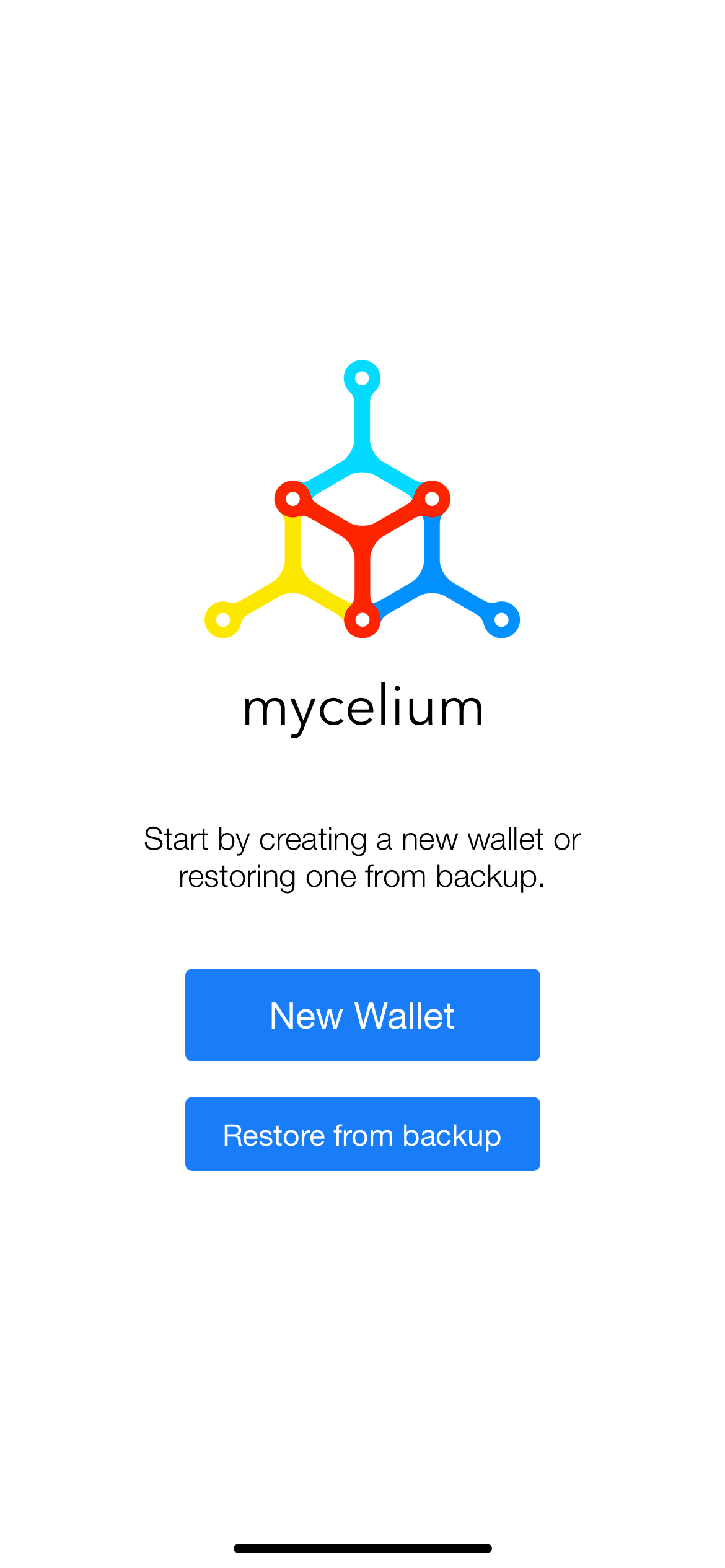
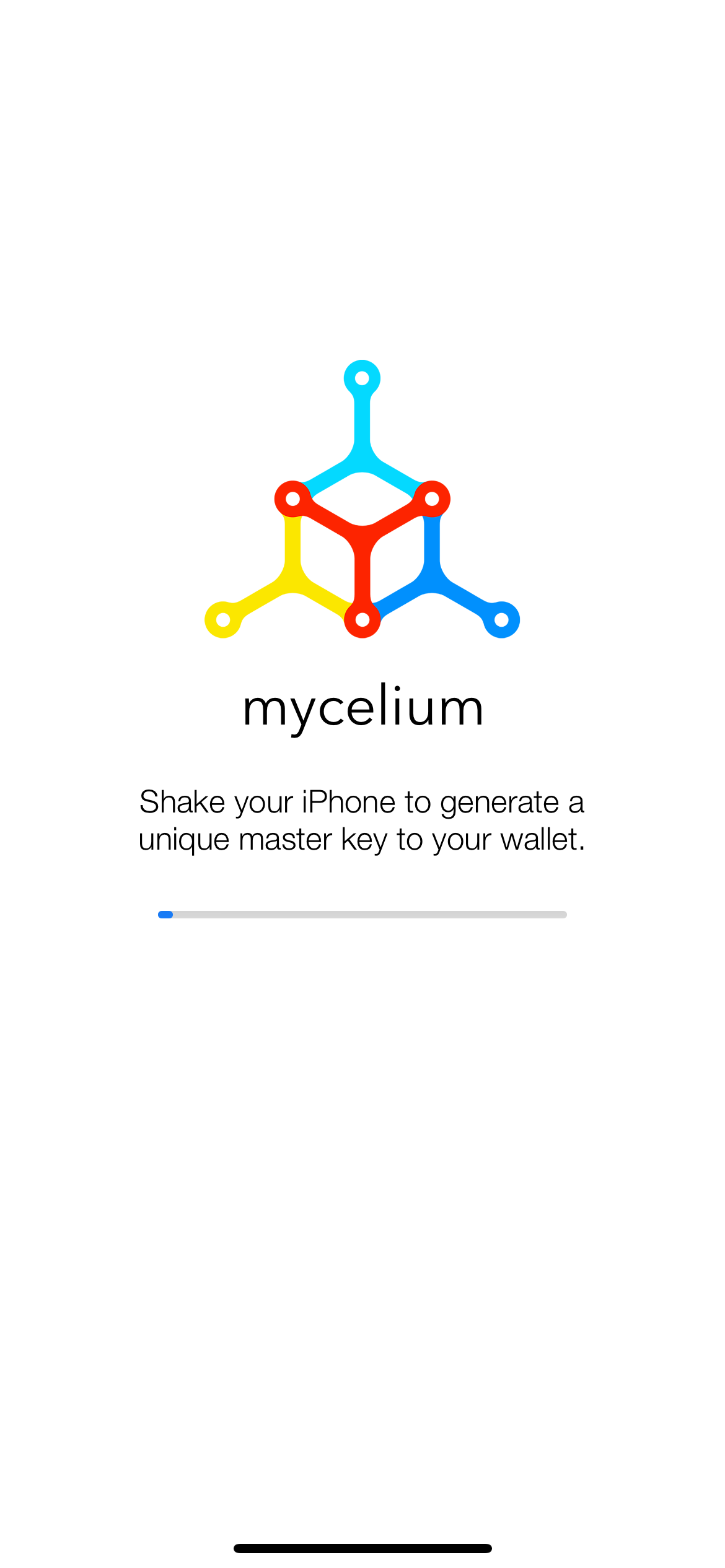
With the mobile version of the Mycelium Wallet, you'll see a prompt to shake your phone to create a unique "master key" associated with your new crypto wallet.
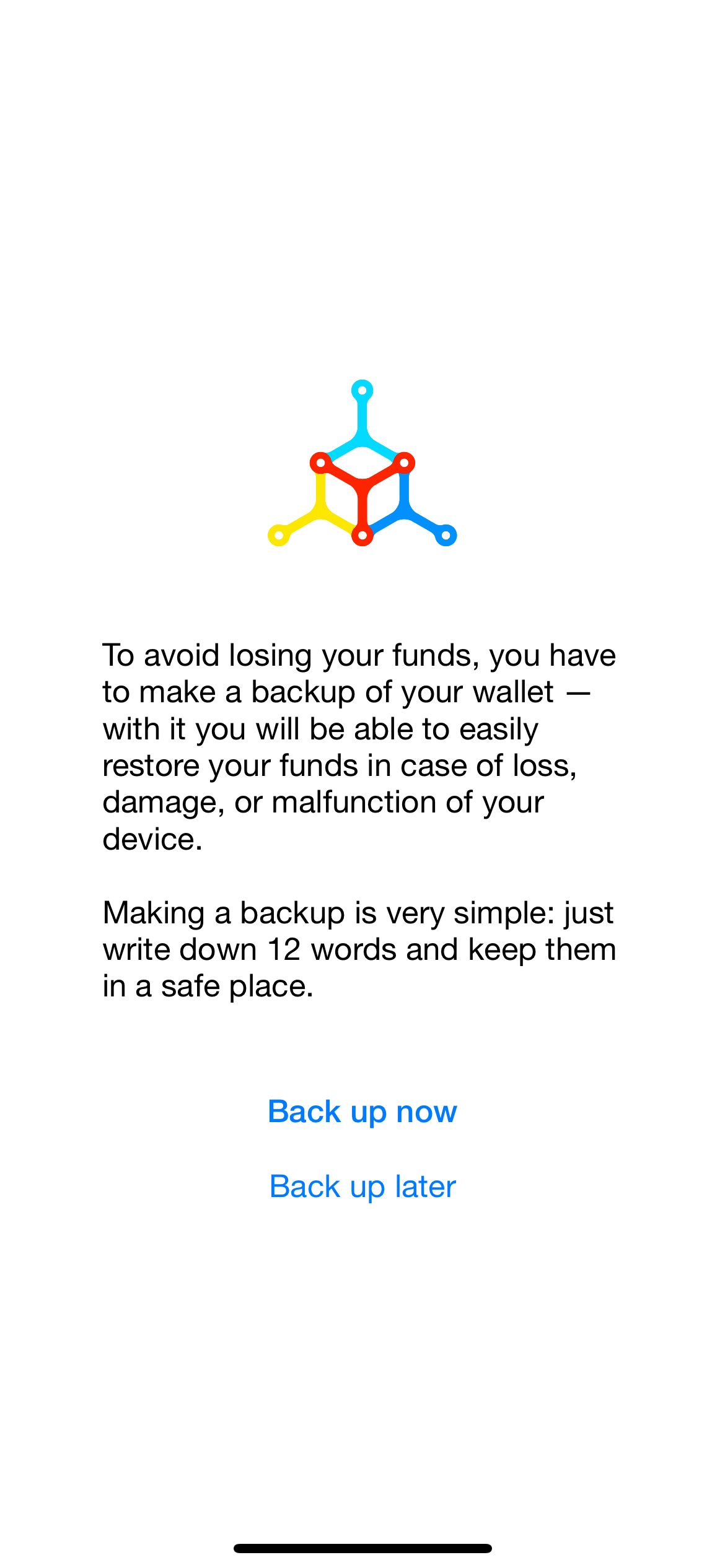
The Mycelium app will then explain the significance of the 12-word backup phrase it's about to share in the next part of the setup process. The wallet's developers - just like us - strongly encourage users to write down all of these words and keep them in a secure place in case they need to restore crypto funds in the future.
Once you're done copying your backup phrase, you'll create a PIN as a first line of defense to protect your Mycelium Wallet from unauthorized access. With your PIN set up, you're now ready to transfer BTC.
How to Restore your Mycelium Bitcoin Wallet with your 12-word Seed Phrase
If you have the 12-word recovery phrase revealed and documented during your Mycelium Wallet's setup, you can always regain access to your virtual currencies. Even if your phone breaks or you lose access to your mobile app, you can redownload the Mycelium Wallet and enter these critical words to restore your crypto.
To use your 12-word backup phrase, download the Mycelium Wallet app. Instead of clicking "New Wallet", hit the "Restore from backup" button.
From here, you'll see a prompt asking you to enter your 12-word master seed with spaces in the provided text box.
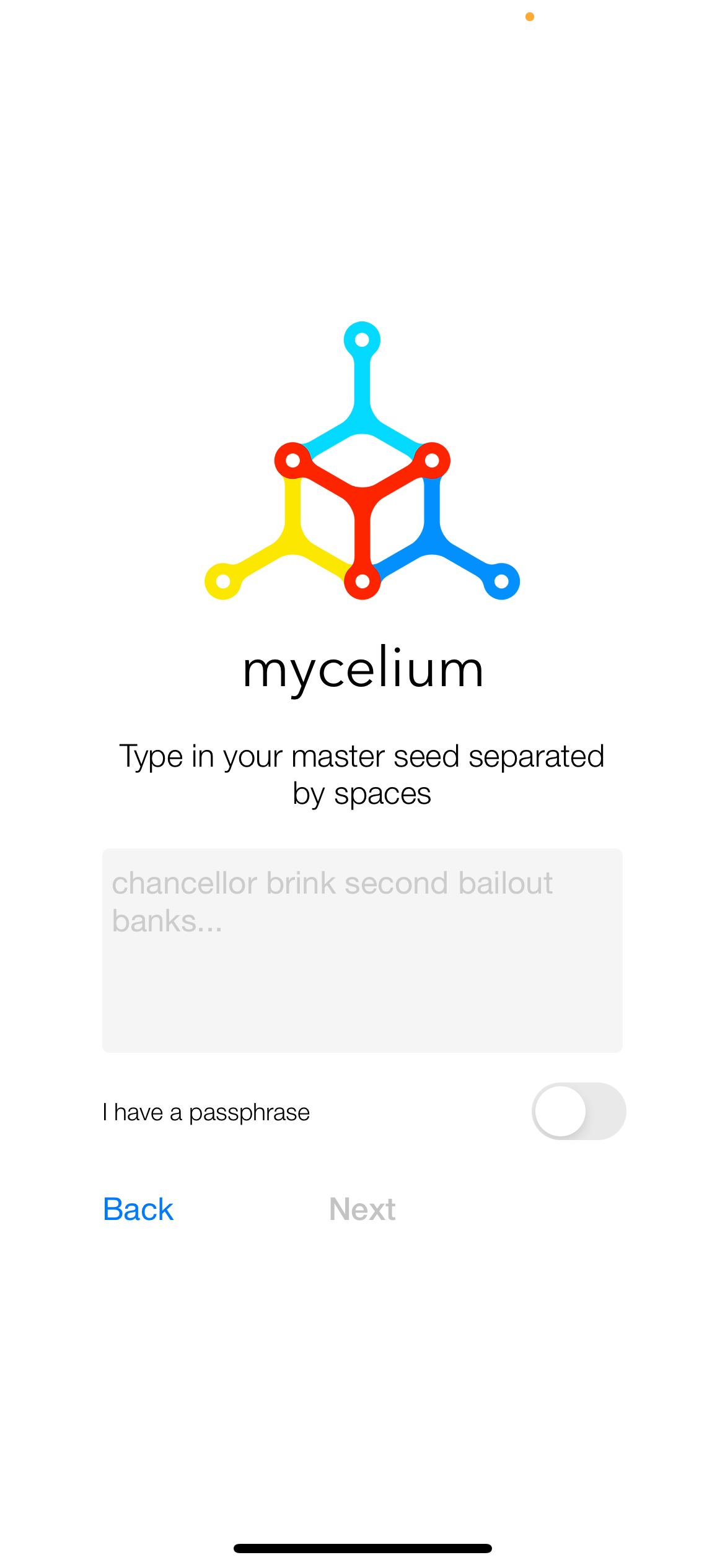
As long as your 12-word recovery phrase does not contain errors (e.g., misspellings or the wrong word order), you should regain access to your crypto funds in this Mycelium Wallet account.
While you can’t setup an optional passphrase with your Mycelium wallet, you can recover cryptocurrencies from another wallet that uses the BIP39 standard and has an optional passphrase enabled.
ReWallet
How to Restore Your Mycelium Bitcoin Wallet with a Backup PDF
Before the 12-word recovery phrase became the standard backup on Mycelium in 2013, people using this wallet received a backup PDF with critical info such as the public address, an encrypted private key, and a 15-character password plus one checksum character.
If you have the Mycelium PDF backup, you can restore your account by choosing the "Cold Storage function" button in the wallet's settings. From here, you'll either need to enter the encrypted private key or scan the provided QR code in your PDF and enter the 15-character password. If the data is correct and the verification goes smoothly, you should see your crypto restored in the Mycelium Wallet.
Common Issues With Mycelium Wallet Recovery
Are you hitting a roadblock restoring your Mycelium wallet? If so, you might be facing one of these complaints frequently associated with Mycelium Wallet recovery.
Lost MyCelium seed phrase
The seed phrase is critical to restore a Mycelium Wallet, but there's a possibility that crypto wallet recovery experts like ReWallet might be able to help if you have partial information about this 12-word phrase. The more information users can gather about these details, the greater the chance ReWallet has of successfully assisting with Mycelium Wallet recovery.
MyCelium crypto funds aren't showing up
There may be cases where users successfully enter their 12-word recovery phrase or backup PDF only to find zero crypto in their accounts. This issue is typically more common with older Mycelium wallets and may have to do with issues like network synchronization, incomplete transactions, and difficulties with communication between different versions of the Mycelium Wallet.
Restoring from Legacy Mycelium backup PDF
Restoring from an old Mycelium backup PDF may not go as easily as you expected. From format changes due to app updates or difficulties reading the QR code, sometimes the Mycelium Wallet presents challenges in the recovery process.
If you notice issues like inaccurate crypto funds, or your PDF backup isn’t working as intended, you might need professional assistance from ReWallet. Our team has extensive experience with Mycelium wallet recovery, so feel free to contact us if you’re running into the above issues.