When Bitcoin began to catch on, BTC.com became a hot option for investors looking for a software wallet. As a self-custodial solution, users had full control over their private keys, plus the protection of an encrypted password and a BTC.com backup PDF. However, BTC.com’s choice to turn away from its wallet business — which resulted in the discontinuation of its recovery tools — has left many users facing a far more complicated and confusing recovery process.
But that doesn’t mean BTC.com wallet recovery is impossible. Even in cases involving a corrupted backup PDF or an incorrect password, all hope isn’t lost. If you’re struggling with restoring Bitcoin from a BTC.com wallet, the team at ReWallet may be able to uncover your issue and help create a solution.
What is the BTC.com Wallet?
To understand the unique recovery challenges associated with the BTC.com wallet, it’s helpful to know a bit about its origins. BTC.com emerged in 2015 as part of the Blocktrail project, a Dutch startup that developed blockchain tools and wallets with a focus on user control. In 2016, the famous Bitcoin mining company Bitmain Technologies acquired Blocktrail and integrated its technology into the BTC.com brand.
For several years, BTC.com operated smoothly as both a Bitcoin mining pool and a consumer wallet platform. The wallet’s strong encryption and ease of use earned it a sizable following in the crypto community, particularly during the 2017 Bitcoin boom.
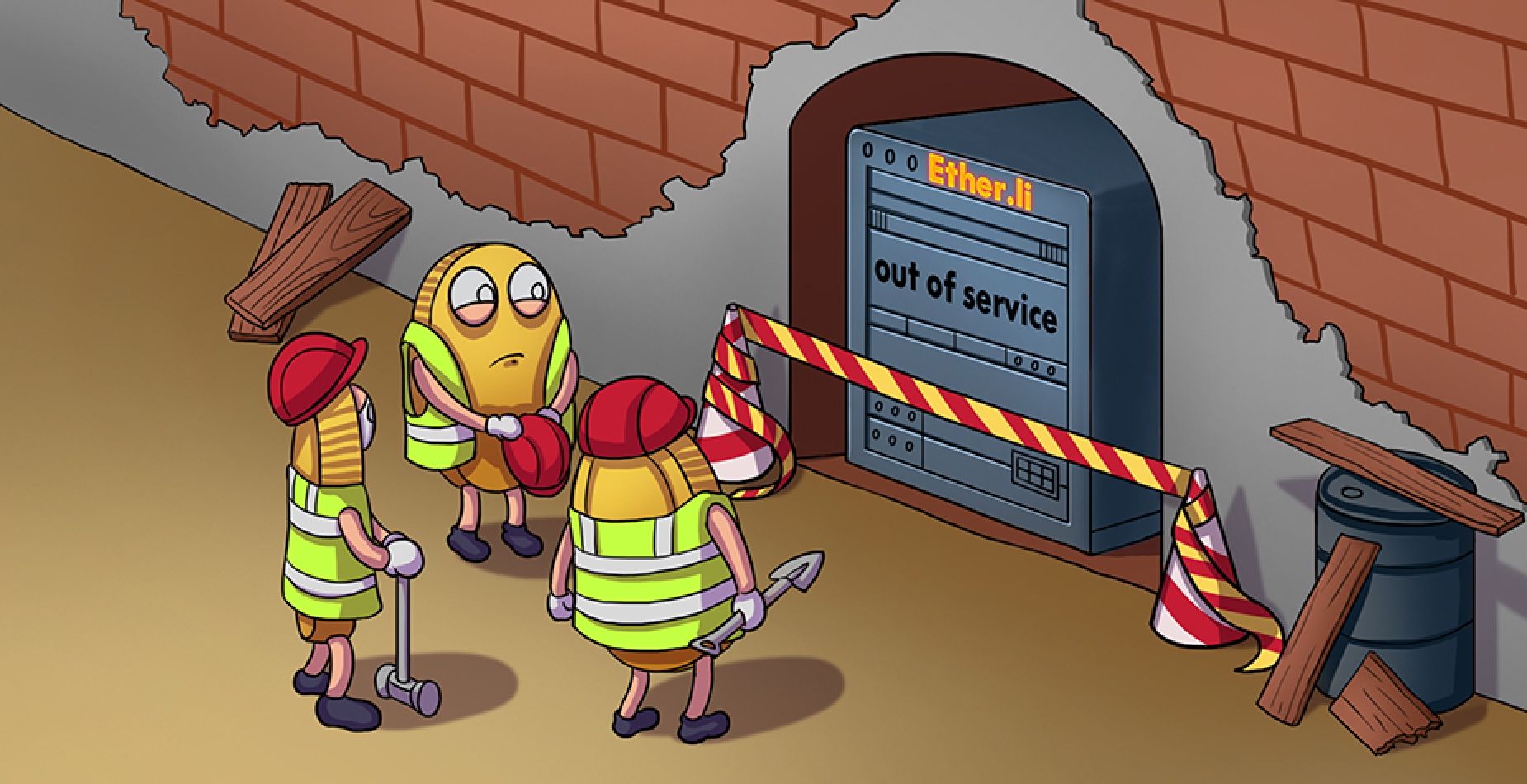
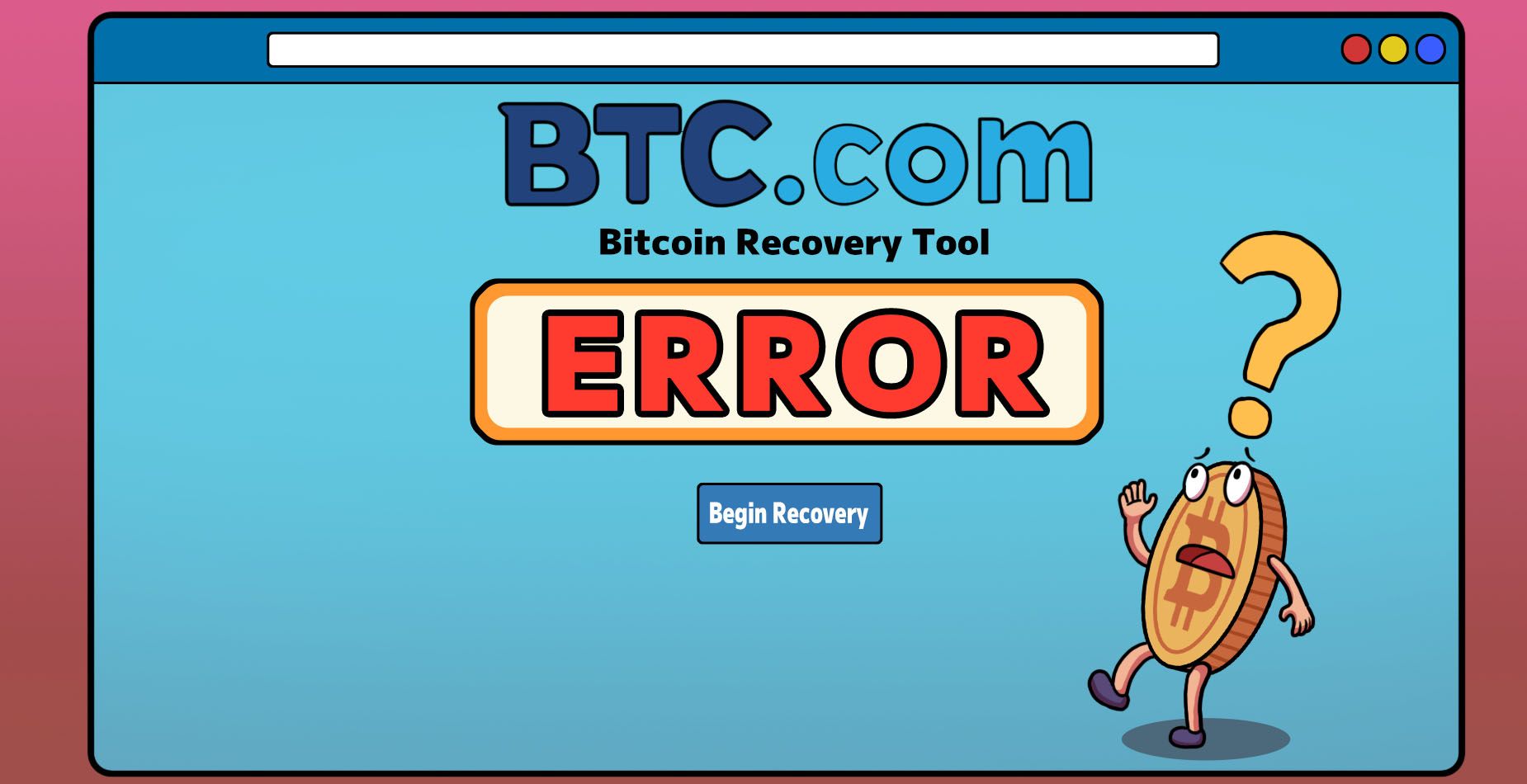
As the crypto industry evolved, Bitmain - the company behind BTC.com - shifted its focus toward mining and block explorer services. As a result, the BTC.com wallet and its supporting tools, including the Blocktrail Recovery Tool, were discontinued. When that happened, BTC.com wallet users lost access to the official recovery infrastructure that allowed them to decrypt their backups and restore their wallets.
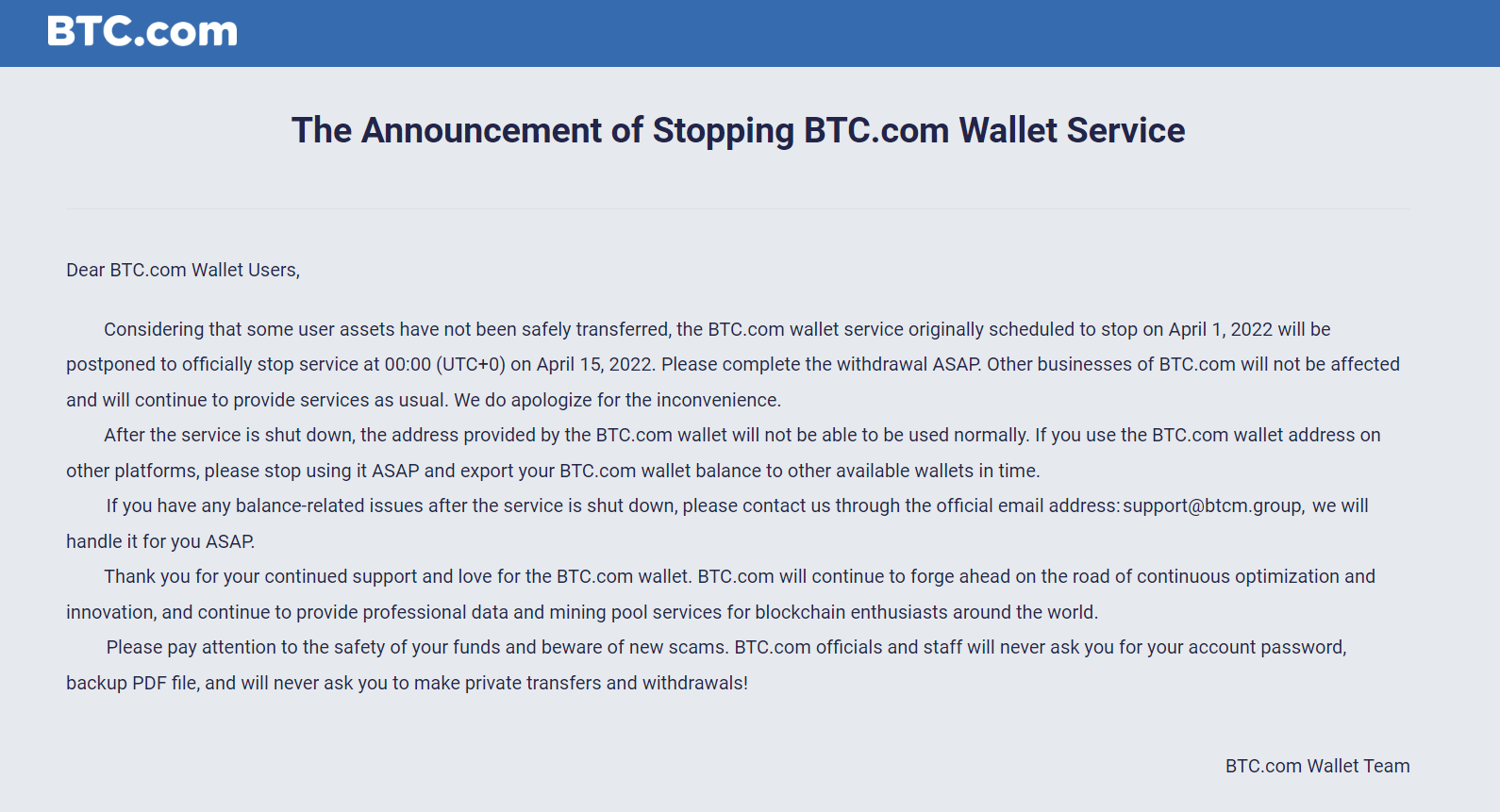
In early 2022, BTC.com officially announced the discontinuation of its wallet service. Originally scheduled for April 1, the shutdown was slightly postponed to April 15, 2022, to give users additional time to withdraw their funds. After this date, the wallet infrastructure was taken offline, and BTC.com wallet addresses were no longer usable within the platform.
While BTC.com stated that support could assist with certain balance-related issues after the shutdown, the core wallet functionality, including access to addresses and the Blocktrail recovery tool, was permanently disabled.
Explaining the BTC.com Backup PDF Recovery Sheet
When users first created their BTC.com wallet, they were prompted to download a backup PDF (sometimes referred to as the “BTC.com Recovery Sheet”). This document contained all the information necessary to recover a BTC.com wallet if someone lost their login credentials or access to their device.
Although the PDF file itself wasn’t protected with file‑level encryption, the recovery information printed inside the PDF had to be decrypted with the BTC.com wallet password. Without this password, these sensitive details remain unreadable and unusable.
The BTC.com backup PDF typically included details such as:
- An encrypted private key and seed
- A wallet identifier
- Instructions referencing the now-defunct Blocktrail Recovery tool
In the past, users could simply upload this file to BTC.com’s recovery page, enter their password, and regain access. This is why the discontinuation of Blocktrail Recovery servers is such a stumbling block for people who stored Bitcoin on a BTC.wallet. Without the Blocktrail Recovery Tool, this method no longer works.

Need Help Recovering Your BTC.com Wallet?
Find yourself locked out of your BTC.com wallet funds with no password, pdf and/or the Blocktrail Recovery tool being defunct? ReWallet offer specialized BTC.com wallet recovery services to recover your funds for you.
Recover your BTC.com WalletWhy You Can't Access Your BTC.com wallet
The lack of Blocktrail Recovery services is just one of many reasons people cannot access their BTC.com wallets today. Although every wallet recovery issue is unique, there are a few common situations.
1. Lost BTC.com Backup Password
Since the BTC.com wallet password was used to encrypt private key data, there’s no way to decrypt the wallet backup PDF without it. Plus, as a self-custodial wallet, Bitmain never had access to a user’s password, so a “BTC.com wallet password reset” won’t apply.
2. Corrupted BTC.com Backup PDF
Even if you still have your BTC.com backup file, it may have become corrupted or unreadable over time. A few possible reasons for file corruption could be renaming the file, transfers between devices, or if it was only partially downloaded.
3. The Blocktrail Recovery Tool Is Not Working
The Blocktrail Recovery Tool once served as the official way to decrypt wallet backups. Because Blocktrail is offline and the software endpoints it relied on no longer function, you can’t use this recovery method even with your password and backup file.
Despite these challenges, your funds are still on the Bitcoin blockchain. While there are challenges involved in accessing them, it’s still possible to reclaim BTC with the help of wallet professionals like ReWallet.
How to Recover your BTC.com wallet
The success of a BTC.com wallet recovery depends on what information users have available and the tools and expertise of their partner wallet recovery service. For example, if the only remaining recovery data is the BTC.com backup PDF without the encryption password, a successful recovery might involve specialized scripts and high-end computational power to find the correct encryption key. By contrast, if the PDF is corrupted or incomplete, data repair might be possible to extract enough info to rebuild the BTC.com wallet. Since there are so many individual factors in each case. Our wallet recovery experts take the time to develop a personalized plan for BTC.com recovery tailored to your situation.
How ReWallet Can Help With Your BTC.com Wallet Recovery
BTC.com’s wallet service is defunct, but don’t give in to despair just yet! At ReWallet, we have years of experience working on particularly complex wallet recovery scenarios, such as those involving BTC.com. Our team of wallet recovery experts specializes in accessing lost or locked cryptocurrency wallets in various situations, including lost passwords and corrupted PDFs. Find out how ReWallet can help with BTC.com wallet recovery by contacting our team today!
FAQs on BTC.com wallet recovery
A Note on DIY Safety: Attempting to use unfamiliar scripts or tools you find online can be dangerous. Malicious tools may be designed to steal your recovery phrase and any funds you are trying to recover.