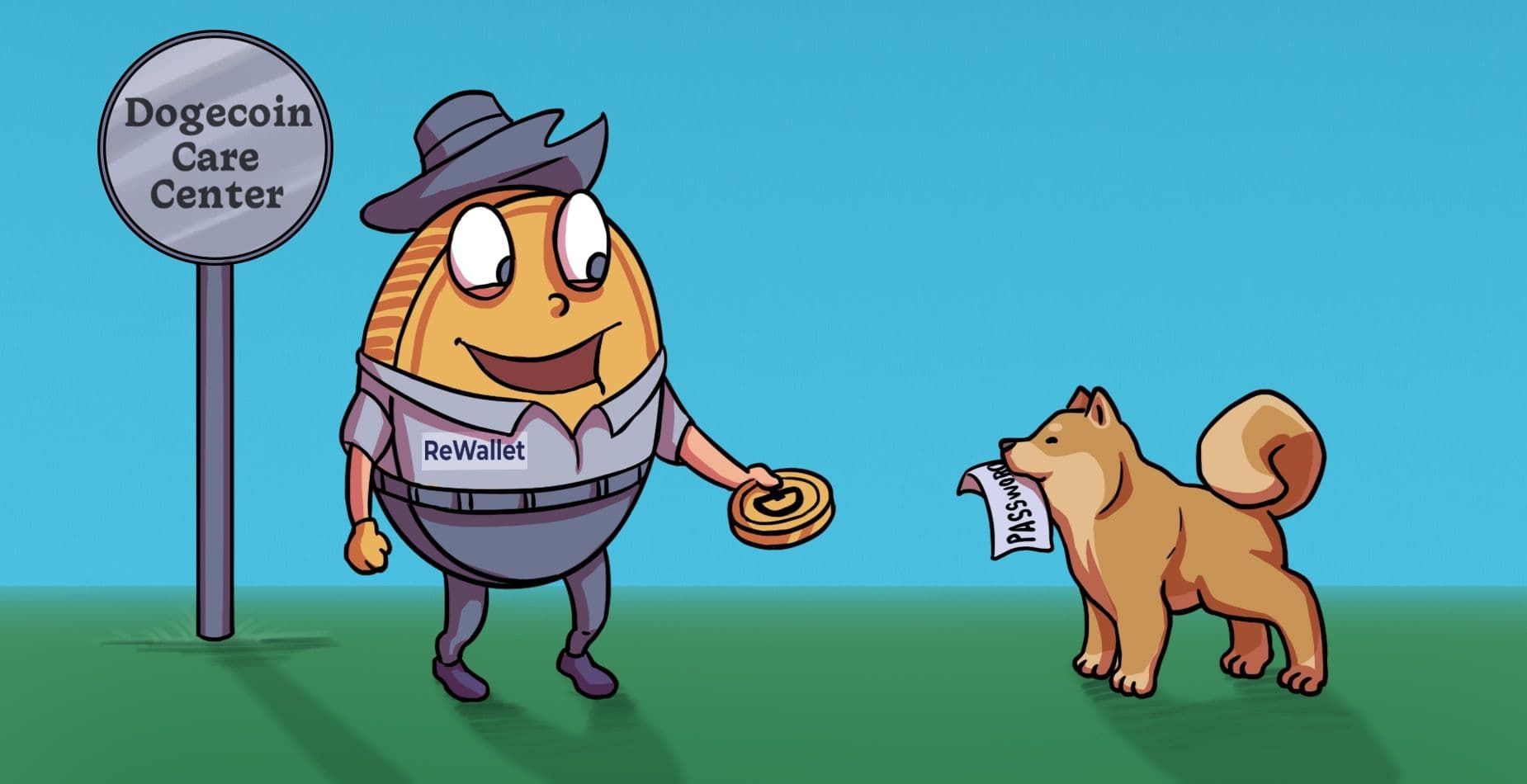
Dogecoin Core Wallet Recovery
Find out how ReWallet can help you regain access to your Dogecoin Core wallet.

As seen in


Dogecoin Core Wallet Recovery: Quick answers
Are you sniffing like a Shiba Inu for Dogecoin Core wallet recovery solutions? If so, you might be dealing with issues like a locked or encrypted file, a corrupted wallet.dat backup, or problems syncing the full Dogecoin blockchain. This section digs into the most common questions people encounter with Dogecoin Core wallet recovery so you can steer clear of risky guesswork.
What can I do if I lost my Dogecoin Core password?
Always start by backing up all your Dogecoin Core wallet files for security. Next, carefully try common passwords you used around the time you created this wallet, keeping a record of each password attempt. Note that Dogecoin Core wallets can only be decrypted with the correct password, so there’s no workaround if you lost this information.
Where can I find my Dogecoin Core wallet.dat?
The wallet.dat file is stored in your Dogecoin Core data directory in the following locations for different operating systems:
- Windows: C:\Users\
- macOS: ~/Library/Application Support/Dogecoin/
- Linux: ~/.dogecoin/
How can I restore my Dogecoin Core wallet.dat file?
Place your backup wallet.dat file in the data directory above (replacing or renaming the existing file if necessary), then start Dogecoin Core. Enter your wallet password when prompted, and you should be able to access your DOGE.
When should I stop DIY and get professional help?
If you can’t find your Dogecoin Core password, notice issues like corruption errors or your drive is failing, it’s imperative to get expert help to avoid losing all chances to recover your Dogecoin Core wallet. Also, if you recently deleted your Dogecoin wallet.dat file or you only have one copy of your wallet.dat, it’s safest to work with ReWallet on Dogecoin Core wallet recovery for an expert assessment of your situation.
Recovery do's and don'ts
What not to do
These actions commonly reduce the chances of recovering a Dogecoin Core wallet, especially after deletion or corruption.
- Don’t keep experimenting with wallet.dat recovery unless you’ve made multiple backups first. One wrong step can permanently damage the only copy that holds your DOGE.
- Don’t download random recovery tools or scripts. If a tool promises to crack, bypass, or instantly recover a Dogecoin Core wallet, it’s either a scam or malware.
- Don’t keep going if you see corruption or hardware issues. If Dogecoin Core throws corruption errors, the wallet won’t open, or the drive is failing.
What we typically need
The following data and background information will improve the quality of an initial assessment (and save you time).
- The wallet.dat file: All Dogecoin private keys live inside wallet.dat. So, without the file, recovery isn’t possible.
- Any password information: Whether you have partial passwords, old passwords, or similar passwords used elsewhere, anything helps with recovery. Remember, there’s no technical bypass for Dogecoin Core decryption.
- Basic context about the wallet’s history: Details like the approximate creation date, last access, operating system used, and whether the wallet was actively used or mostly dormant might help in the Dogecoin Core recovery process.
ReWallet’s Bitcoin Core Wallet Recovery Service
1
Lost Dogecoin Core Password
Using the correct password is essential to unlock the private keys in the Dogecoin Core wallet.dat file. However, if you have partial information about your Dogecoin Core wallet password, ReWallet may be able to help with the recovery process. Any details, such as old passwords, reused phrases, keyboard layouts, or common variations, can significantly improve the odds of a successful Dogecoin Core wallet recovery. Our experts will also ensure all recovery attempts are performed on secure copies of the Dogecoin Core wallet file to protect the original from accidental corruption.
2
Deleted Dogecoin Core wallet.dat files
Even after deletion, a Dogecoin Core wallet.dat file may still exist on a drive, but proper handling is critical for recovery. With our professional crypto wallet recovery service, we’ll start by assessing how the file was lost (e.g., accidental deletion, formatting, or OS reinstall) and whether the original drive is still accessible. Depending on the nature of your situation, we might be able to safely scan for wallet fragments or intact files, or evaluate whether any backups exist. Unfortunately, DIY recovery methods are dangerous because they could overwrite recoverable data or misidentify wallet files. At ReWallet, we prioritize Dogecoin Core wallet preservation first and avoid actions that could permanently destroy valuable data.
3
Dogecoin Core Corrupted wallet.dat file
Whether you’re seeing error messages on startup, crashes during load, or balances that don’t appear correct, you’re likely dealing with some form of data corruption on your Dogecoin Core wallet.dat file. Whatever the source, ReWallet can help figure out what’s going on and the extent of the corruption. We’ll then work from verified copies and attempt controlled repairs or key extraction, depending on the nature of the case. While not every corrupted wallet can be fully recovered, expert evaluation with ReWallet’s team can reveal whether funds are still accessible and which recovery paths are viable.
4
Dogecoin Core Multi-Sig Not Working
Multi-signature Dogecoin Core wallets add a layer of security, but they also introduce more complexity to the recovery process. For instance, a common issue is missing all of the necessary signing keys to successfully access the DOGE in the wallet. ReWallet can look into how this multi-sig wallet was set up, including the number of required signatures and which keys are available, to build an actionable Dogecoin Core wallet recovery plan. We can then try to reconstruct the multi-sig environment and confirm whether there are enough valid keys to spend the funds. Since this process involves extreme precision, multi-sig Dogecoin Core recovery is far more successful with an experienced team like ReWallet.
How Our Service Works
Have you lost access to your Dogecoin Core wallet? You've come to the right place for assistance. We can help you recover your Bitcoin Core wallet.

Experience
Through our experience helping clients regain access to their Bitcoin Core wallets, we’ve successfully dealt with the above mentioned issues. Our team of wallet recovery experts can put this experience to work for your benefit.

State-of-the-art Tools
We use optimized programs for password recovery and hardware infrastructure that meets the highest performance standards. By utilizing air-gapped and encrypted systems, we can ensure the security of your data at all times. Our team has built custom software solutions to recover corrupted or deleted wallet data, such as Bitcoin Core wallet.dat files.

Success-based Remuneration
We work for you on a success-based fee model, meaning we only get paid if we successfully recover your BTC in your Bitcoin Core wallet.

Legal Protection
Your interests will be protected through a legal agreement that forms the basis for working together and handling your data.
FAQ
On macOS, the file is stored by default in the Application Support folder:
~/Library/Application Support/Dogecoin/
Since the Library folder is hidden, you can access it in Finder with Cmd + Shift + G and pasting the path, or via Terminal using open ~/Library.
On Windows, Dogecoin Core places the file natively inside the AppData directory:
%APPDATA%\Dogecoin\
To get there quickly, press Windows Key + R, enter %APPDATA%\Dogecoin\, and hit Enter. This will open the correct folder in File Explorer.
On Linux, the wallet is located in a hidden folder in your home directory by default:
~/.dogecoin/
You may need to enable hidden files (Ctrl + H) in your file manager, or use the terminal to locate it.
In most cases, the file is named wallet.dat and sit directly in these directories unless a custom data path was configured. If you can’t find it, double-check for alternative locations or search your system. Please avoid reinstalling Dogecoin Core, overwriting or renaming any files, as it can lead to data loss.
However, you can still recover your funds by dumping the private keys from the wallet.dat file using Dogecoin Core and then importing those keys into another wallet. If the wallet is encrypted, you’ll need the correct password to unlock it before exporting the keys.
Recover Your Wallet
You’ve lost access to your Dogecoin Core wallet? Then you’re in the right place. Submit your inquiry in just a few steps.

Free evaluation of your situation
Success-based remuneration only
Service agreement for legal protection
Dogecoin Core Wallet Blog
Discover More: In-Depth Articles & Resources on Dogecoin Core Wallet Recovery