
BitBox Wallet Recovery
Find out how ReWallet can help you regain access to your BitBox01 and BitBox02 wallet.

Trusted by:


BitBox Wallet Recovery: Quick answers
If you are searching for "BitBox Wallet Recovery" you are likely trying to understand what options remain if your seed phrase is not working, your microSD backup card is lost, damaged or unrecognized, your optional passphrase has been forgotten or your device password is no longer accessible. This section answers the most important questions upfront so you can quickly assess your situation and understand what next steps are recommended before making any attempts that could further reduce your chances.
Can I recover my BitBox wallet without the seed phrase or microSD backup?
It depends on the situation and which BitBox model you are using. The BitBox02 supports two backup methods: a seed phrase of 12 or 24 words and a microSD card backup. If one of the two is still available recovery can typically be initiated through the remaining backup method. For the BitBox01 the situation is more critical as it relied exclusively on the microSD card backup combined with a recovery password with no seed phrase option.
My BitBox wallet is showing an empty balance after restoring. What does this mean?
An empty balance after a successful restore does not necessarily mean your funds are lost. The most common cause is a missing optional passphrase. If one was set up, the seed phrase or microSD backup alone will always open an empty standard wallet and the passphrase must be re-enabled and re-entered separately in the BitBoxApp to access the hidden wallet. The second common cause is an incorrect seed phrase or wrong backup selected during restore which generates a valid but different empty wallet. The third is a legacy address visibility issue. The BitBoxApp does not display old Bitcoin legacy addresses starting with 1 meaning funds on legacy addresses will not appear after restore even when the recovery was technically successful. However, in all three scenarios your assets are not lost. The right private key will continue to grant access to your Bitcoin, as it remains on the Blockchain regardless of it not being correctly displayed in the BitBoxApp Interface.
Can I still recover my BitBox wallet if I forgot my optional passphrase?
Yes, but it depends. The minimum requirement is that the correct seed phrase or microSD backup associated with the optional passphrase is still available. The passphrase is never stored on the device or included in the microSD backup and must be re-entered manually after every restore. Whether recovery is feasible depends entirely on the complexity of the passphrase and the accuracy of any information still available about it. The passphrase is case-sensitive and spacing-sensitive meaning any character difference silently opens a different empty wallet with no warning from the device. A partially remembered passphrase gives a realistic basis to work from while a long complex passphrase with no recollection of its elements is significantly harder and in some cases not recoverable.
My BitBox microSD backup card is not recognised, damaged or lost— what are my options?
The options depend on which BitBox model you have and what other information is available. For BitBox02 users the microSD card is one of two backup methods. If the card is unavailable but the 12-word or 24-word seed phrase was separately documented during setup the wallet can be fully restored from the seed phrase alone. If the microSD card is physically damaged but still partially readable there is a potential for extracting the seed phrase from the microSD backup. For BitBox01 users who relied exclusively on the microSD card the options are more limited and a professional assessment is the recommended next step.
Recovery do's and don'ts
What not to do
These actions commonly reduce the chances of recovering your BitBox wallet.
- Don't enter your seed phrase or optional passphrase into any website, app or tool other than your official BitBox device or the BitBoxApp.
- Don't make repeated unstructured password guesses, as too many wrong entries can reset your BitBox.
- Don't wipe or factory reset your BitBox device before confirming you have a valid and accessible backup to restore from.
- Don't attempt a firmware update if you are currently locked out or experiencing recovery issues as updates can complicate the recovery process further.
- Don't continue using the microSD card or insert it into any other device if the backup file appears corrupted or unreadable.
What we typically need
The following data and background information will improve the quality of an initial assessment (and save you time).
- Device model: whether you have BitBox01 or BitBox02.
- microSD backup: whether the backup card is still available and if it is recognised by the device.
- Seed phrase status: whether the seed phrase is fully available, partially available, and how many words are still known, or missing entirely.
- Event description: a short summary of what happened. Whether the seed phrase was lost, the passphrase forgotten, the microSD card is damaged, an error message is appearing or the balance is displaying incorrectly.
- Timeline: when the wallet was set up and the approximate period it was actively used.
- Device password: whether the device password is known and if any incorrect attempts have already been made.
- Optional passphrase: whether one was set up and any recollection including approximate length, characters used or typical patterns relied upon.
ReWallet's BitBox Wallet Recovery Service
1
Forgot BitBox password
Forgetting your BitBox device password does not automatically mean losing access to your funds. The device password protects physical access to the BitBox but the funds remain on the blockchain. If the password is forgotten ReWallet can assess your specific situation and advise on the best path forward.
2
BitBox seed phrase not working
If your BitBox seed phrase is producing an invalid checksum error or restoring to an empty wallet it is not always a case of irrevocable loss of your Bitcoin. ReWallet has the tools and expertise to systematically work through seed phrase errors and recover your wallet.
3
Lost BitBox seed phrase
If the seed phrase has been lost entirely the recovery path depends on what other backup material is available. ReWallet can evaluate your specific situation and available information to advise on what recovery options remain.
4
Lost BitBox SD-card password
If your seed phrase for your BitBox02 is not available or you are using a BitBox01, the only viable path for recovery is the microSD card backup. As this backup is protected by a password, losing it can lock you out of your wallet even when a valid backup is available. ReWallet can assess your situation and perform password recovery based on any available information.
5
Corrupted or damaged BitBox SD-card
If your BitBox microSD backup card is physically damaged or the backup file is no longer being recognized by the device recovery may still be possible. Even if the card is heavily damaged professional data recovery tools may still be able to retrieve the underlying data. ReWallet can evaluate the card and determine what extraction options remain.
6
Lost BitBox optional passphrase
The BitBox optional passphrase creates a completely separate hidden wallet on top of the seed phrase and is never stored on the device or in any backup. After any restore the passphrase must be manually re-enabled in the BitBoxApp and re-entered on the device to access the hidden wallet. If the passphrase has been forgotten the wallet will appear empty after an otherwise successful restore. ReWallet can work with partial passphrase information and apply specialized tools to recover your passphrase for you.
7
BitBox not displaying funds correctly
If your BitBox wallet is showing an incorrect or zero balance after a successful restore the funds are not necessarily lost. ReWallet can verify the on-chain balance at the relevant addresses and help identify which potential recovery scenarios remain in your situation.
8
BitBox error messages
The BitBox device and BitBoxApp can produce a range of error messages during setup, restore and normal use such as “Invalid recovery words / checksum failed or “READ ERROR”. ReWallet has hands-on experience with BitBox-specific error states and can help diagnose what is causing the error and what the best path forward is.
How Our Service Works
Have you lost access to your BitBox wallet? Then you've come to the right place. We can help you recover your BitBox wallet.

Experience
Through our experience helping clients regain access to their BitBox wallets, we’ve dealt with all the issues described above before. Our team of wallet recovery experts can put this experience to work for your benefit.

State-of-the-art tools
Our hardware infrastructure meets the highest performance standards and ensures the security of your data. For the recovery of BitBox seed phrases, password and optional passphrase we’ve built custom software.

Success-based remuneration
We work for you on a success-based fee model, meaning we only get paid if we successfully recover access to your BitBox wallet.

Legal protection
Your interests will be protected through a legal agreement that forms the basis for working together and handling your data.
BitBox Wallet Recovery FAQs
Yes. Shift Crypto stopped selling BitBox01 in November 2019 and officially advises BitBox01 owners to move their funds to a different hardware wallet such as BitBox02. However the BitBoxApp still supports BitBox01 for the foreseeable future meaning existing wallets can still be accessed.
If your BitBox doesn’t recognise your microSD backup card there are several causes worth checking before concluding the backup is lost. First, verify the card is inserted correctly with the text side facing up and pushed until it clicks into place. Try a different BitBox device if available as the issue may be device-specific rather than card-specific. If the card appears damaged or completely unreadable professional data recovery may still be possible depending on the extent of the damage.
This error means the words entered do not produce a valid BIP39 checksum. Every valid seed phrase has a mathematical checksum built into it. If even only one word is wrong, misspelled or in the wrong position the entire combination fails this check. Importantly BitBox02 uses word auto-suggestion while you type during restore. However only the word actually confirmed on the device counts, not what was suggested mid-input, which is a subtle but common source of error. The error “ERROR MESSAGE” does not necessarily mean the seed phrase is permanently impaired. In many cases the cause is a single misspelled word, a swapped pair of words or a word from outside the BIP39 wordlist. Carefully cross-referencing every word against the official BIP39 wordlist is a good first step. If the error persists, ReWallet can help systematically identify where the issue lies and what recovery options remain.
These are two separate passwords that serve different purposes and must not be confused. The device password is set on the BitBox itself and is required every time you unlock the device for daily use. The microSD backup password is a separate password that protects the backup file on the card and is required when restoring from that backup on a new or reset device.
Yes, for BitBox02 users this is possible. BitBox02 uses the standard BIP39 seed phrase format meaning the seed phrase works with any BIP39-compatible wallet including Ledger and Trezor. As long as the correct seed phrase is available it can be entered into any compatible device to restore access. If an optional passphrase was used it must also be re-entered on the new device. For BitBox01 users the microSD backup format is proprietary and the seed phrase must first be extracted, before it can be imported into any other wallet.
Recover Your BitBox Wallet
You’ve lost access to your BitBox? Then you’re in the right place. Submit your inquiry in just a few steps.

Free evaluation of your situation
Success-based remuneration only
Service agreement for legal protection
BitBox Wallet Blog
Discover More: In-Depth Articles & Resources on BitBox Wallet Recovery
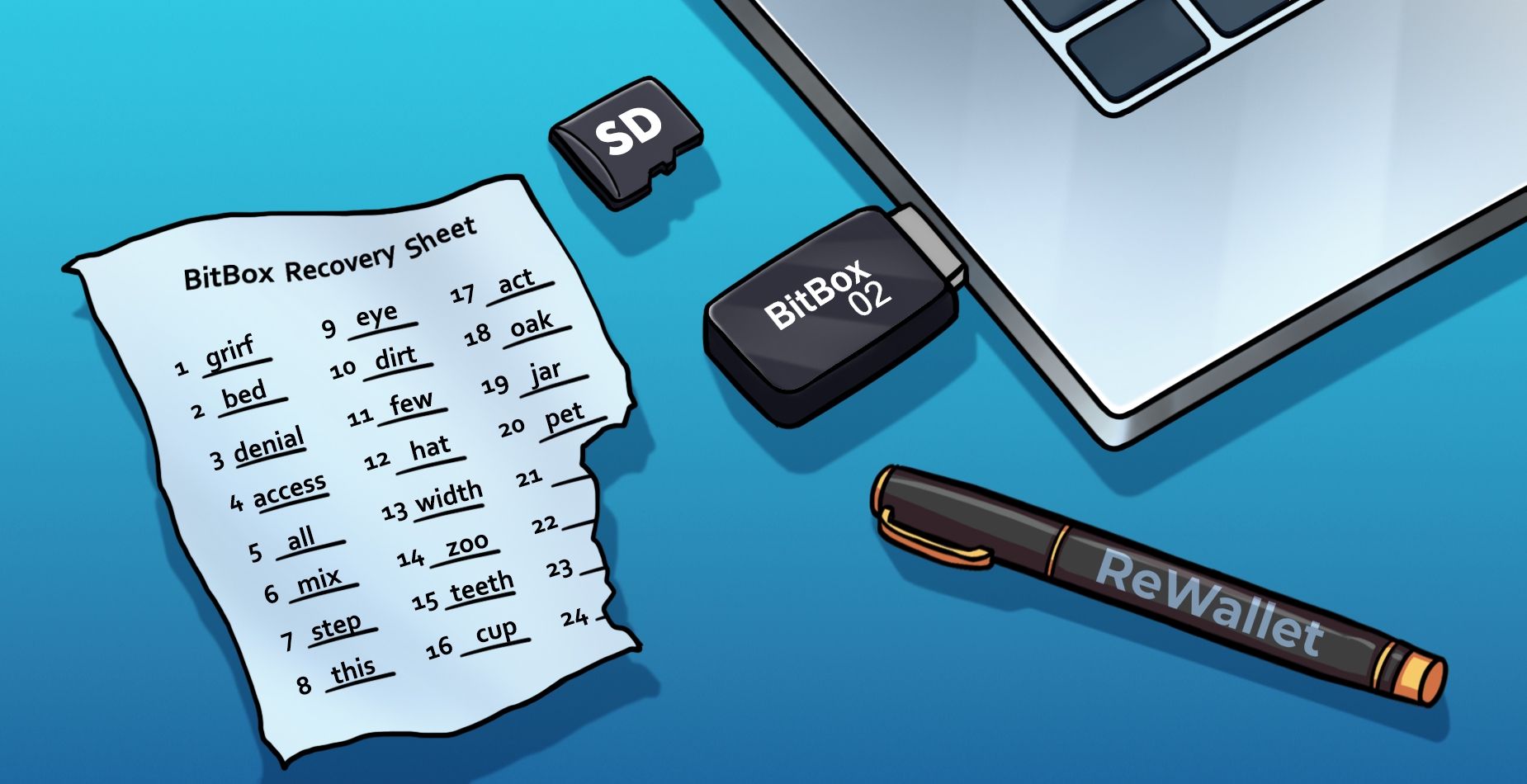

By Bruno Krauss
BitBox & BitBox02 Wallet Recovery: Troubleshooting Guide

