For some early Bitcoin adopters, downloading a Blockchain.info wallet was a rite of passage into the brand-new world of blockchain. Long before modern standards like BIP-39 seeds or the wide array of browser extensions and mobile-friendly wallets, this software wallet offered an easy way for newcomers to store, send, and receive their BTC.
Over the years, the Blockchain.info platform expanded significantly, eventually rebranding and transitioning into today’s Blockchain.com. With this evolution came major technical changes that, while strengthening security and usability, also created challenges for users trying to access their older wallets.
For example, a common issue that legacy users encounter is an “invalid token” error message. Anyone who sees this jarring phrase will find that the login process abruptly stops. Understandably, this can be alarming if you’re trying to regain access to a wallet holding valuable digital funds.
The good news is that this error rarely means your BTC is gone forever. Instead, it typically reflects outdated login tokens or compatibility issues between old Blockchain.info data and the modern platform, and access can often still be restored with professional wallet recovery experts like ReWallet.
What’s Blockchain.com’s Invalid Token Error?
The “invalid token” error on Blockchain.com typically appears when users attempt to log into an old Blockchain.info wallet. In fact, this issue is widely documented across online forums like BitcoinTalk and Reddit. Multiple users report that the error appears specifically during legacy wallet migrations, especially for wallets created many years ago and untouched since the Blockchain.info era.
The reason this happens is that the original Blockchain.info wallet relies on a different system for login and wallet storage than today’s Blockchain.com accounts. Therefore, when trying to access these older accounts, the login flow sometimes breaks down during steps such as:
- Obtaining account information
- Decrypting the wallet data
- Obtaining the encrypted wallet file
- Migrating legacy data into the updated system
If one of these steps fails, the system may return the vague “invalid token” message.
While there is no single cause, the error typically indicates a disconnect between old wallet data and the modern Blockchain.com system.
How to fix Your Blockchain.com Wallet with an Invalid Token Error
Thankfully, the “Invalid Token” message isn’t a death sentence for your crypto. There are a few ways to get Bitcoin stored in your Blockchain.info wallet, depending on what information you have available.
Inquire with Blockchain.com’s support
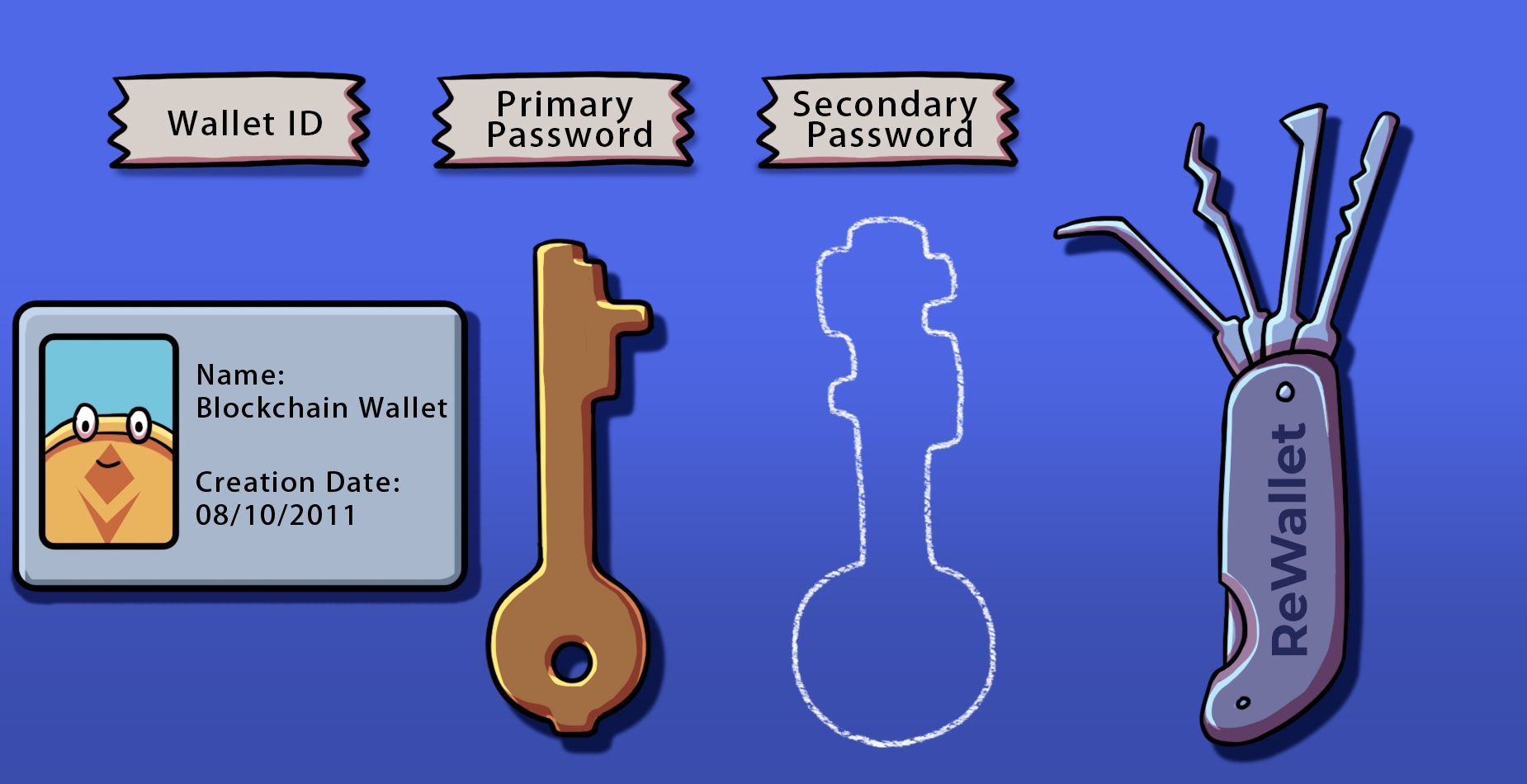
Some users have successfully resolved the issue by contacting Blockchain.com’s Support Center directly. Just keep in mind that submitting a ticket and receiving a response can be time-consuming, and support staff may request information that many long-term users no longer have, such as:
- Wallet creation date
- Last successful login
- IP address associated with wallet creation
- Exact wallet ID
If you cannot provide this data, it’s unlikely Blockchain.com’s team can help you restore access.
Utilizing Blockchain's wallet.aes.json file
Before Blockchain.info adopted modern HD wallets and BIP-39 seed phrases, users received an encrypted wallet.aes.json file by email when their wallet was created. If you still have this file and see an “Invalid Token” message, it may be the most direct way to regain access.
With the correct password, the file can be decrypted to recover your private keys, even without logging in to Blockchain.com.
However, do not upload your wallet file to “recovery” websites or random tools you find online. Anyone with access to your decrypted file or password can steal your funds, so please keep these details secure.
Also, keep in mind that the old Blockchain.info recovery phrases (which could be longer or shorter than 12 words) do not contain private key material. Therefore, these will not resolve the invalid token login issue.
Need Help with Your Blockchain.com Account? Trust ReWallet’s Wallet Recovery Service
If you don’t have your wallet.aes.json file or aren’t able to access your Bitcoin through Blockchain.com’s support, contact the wallet recovery professionals at ReWallet.
Our team specializes in recovering a wide range of wallet types, including legacy Blockchain.info wallets that display “invalid token” messages. We can analyze the specifics of your situation to determine whether recovery is possible and which tools are best suited to retrieving your crypto.
Reach out to ReWallet today and get started with your Blockchain wallet recovery.